NFC Tag Detected on Your Phone: Meaning & How to Use It
Published 25 Oct 20269 min read
Written and maintained by the RFID team at Identium Tech Solutions Pvt Ltd, New Delhi (India RFID Store).
Short answer: "NFC tag detected" or "New tag collected" means your phone has just read a 13.56 MHz NFC tag within about 4 cm of it, such as a sticker, a card or a poster, and is offering to open what the tag stores, usually a web link or a contact. A tag cannot run code on your phone or read your data: it only hands over what was written on it, so treat its link like any other link. To read a tag, hold it against the back of the phone; to write one, you need an NFC app and a blank tag such as an NTAG213 sticker.
Most people meet NFC tags without looking for them: a sticker on a restaurant table, a visiting card, a shelf label, an access card in the phone cover. The phone reads the tag by itself and the system shows a message. This guide explains what that message means on Android and on iPhone, whether a tag can do any harm, how to read and write tags yourself, and which chip to buy if you want tags of your own. The facts come from Google's and Apple's documentation and from the chip maker's data sheet, listed at the end.
What does "NFC tag detected" mean?
NFC, near field communication, is a set of short-range radio technologies at 13.56 MHz. Android's developer documentation says it typically needs a distance of 4 cm or less to start a connection. An NFC tag is a tiny memory chip joined to a coil antenna, with no battery. When it comes that close to a phone with NFC switched on, the phone's field powers the chip, the phone reads what is stored on it and decides what to do with it.
What is stored is usually an NDEF message (NFC Data Exchange Format): one or more records such as a web address, a piece of text or a contact card. Android's tag dispatch system reads the record, works out what kind of data it is and starts the app that handles that kind of data. The message on your screen is the phone telling you this has happened:
- Android. The wording comes from the phone maker's software and the Android version: "NFC tag detected", "New tag collected", "NFC tag identified" or a prompt to choose an app. The event behind all of them is the same: a tag was read.
- iPhone. On iPhone XS and later, iOS reads tags in the background while the phone is in use and shows a notification each time it reads a new tag. Nothing opens until you tap it, and a locked iPhone asks you to unlock it first.
If the message pops up when you are not touching anything, look at what sits behind the phone. Google's Pixel help notes that when the phone's NFC sensor is near a payment card or any other item with an NFC chip, it will keep trying to work with that chip. A metro card, an office access card or a contactless bank card kept in the phone cover is the usual cause.
Is an NFC tag dangerous? Can it steal data?
A passive NFC tag is a memory chip, not a computer. The NTAG213, 215 and 216 chips that most stickers and cards use hold 144 to 888 bytes of user data and answer the read and write commands of the phone or reader; they have no battery and cannot start a conversation on their own. So a tag cannot install anything, run code on your phone or read what is on it. It hands over whatever was written to it.
That is where the real risk lies: in the content. A sticker can be replaced or overwritten with one that links to a fake page, in the same way a printed QR code can be pasted over. Treat a tag's link like any link. On an iPhone you see the notification before anything opens; on Android, look at the address bar before you type anything into the page that opens. If you never use NFC, you can switch it off, as explained below. The radio side is covered in our guide Is RFID safe?, and contactless cards in do you need RFID blocking?
How do you read an NFC tag?
On an Android phone
- Switch NFC on. On a Pixel: Settings, Connected devices, Connection preferences, NFC, then turn on Use NFC. On other phones, search Settings for "NFC"; no entry usually means the phone has no NFC radio.
- Unlock the phone. Android phones usually look for tags only while the screen is unlocked.
- Hold the tag flat against the back of the phone and move it slowly until the phone reacts. Where the NFC antenna sits varies by model.
- Let the phone act. A web link opens in the browser or in the app that handles it, and a contact card offers to save. A tag the phone cannot interpret, such as an empty tag or a card formatted for another system like a door lock, only produces the notice. An NFC reader app shows such a tag's serial number and memory.
On an iPhone
- iPhone XS and later. With the phone in use, bring the tag close, then tap the notification to open the link.
- If nothing happens. Apple lists the times background reading is unavailable: when the iPhone has never been unlocked since it started, during an app's own NFC scan, while Apple Pay Wallet or the camera is in use, and in airplane mode.
- Know what it opens. Background reading acts on the first link on the tag: a website, email, SMS, phone, FaceTime, Maps or HomeKit set-up link. It does not open text, contact cards or custom app links; those need an NFC app.
- iPhone 7 to iPhone X read tags only from inside an NFC app; earlier iPhones cannot read NFC tags.
How do you write an NFC tag?
Writing needs an NFC app on both Android and iPhone, and a blank, unlocked tag. NFC Tools and NXP's NFC TagWriter are two widely used writer apps; our NFC tag price and programming guide walks through both, step by step.
- Choose the record. A web address (a URL record) is the safest choice, because Android and iPhone both open it without an app. Text and contact (vCard) records work on Android, but an iPhone's background reading acts only on links, so for a visiting card that should open on both, write a link to a contact page that you host.
- Write it. In the app, add the record with the full https:// address, tap write and hold the tag still against the phone until the app confirms.
- Read it back on a second phone, ideally one Android phone and one iPhone, before you print or hand anything out.
- Protect it only when it is final. NTAG21x chips have lock bits, and the data sheet is plain that setting them is irreversible: a locked tag can never be rewritten. To stop other people overwriting a tag while you keep the ability to edit it, use the chip's 32-bit password instead.
Until it is locked, an NTAG213, 215 or 216 can be rewritten many times: NXP rates its memory at 100,000 write cycles. For hundreds of tags, a desktop reader-writer connected to a PC, or tags encoded before delivery, is quicker than a phone; both are covered below.
NTAG213, NTAG215 or NTAG216: which chip?
Most NFC stickers, cards and keyfobs sold for use with phones carry one of three NXP chips. They differ only in memory; every other line in this table comes from the same data sheet and applies to all three.
| Specification | NTAG213 | NTAG215 | NTAG216 |
|---|---|---|---|
| User memory (your NDEF data) | 144 bytes | 504 bytes | 888 bytes |
| Total memory | 180 bytes | 540 bytes | 924 bytes |
| Standard | NFC Forum Type 2 Tag | NFC Forum Type 2 Tag | NFC Forum Type 2 Tag |
| Serial number (UID) | 7 bytes, factory-programmed | 7 bytes, factory-programmed | 7 bytes, factory-programmed |
| Data retention | 10 years at 22 °C | 10 years at 22 °C | 10 years at 22 °C |
| Write endurance | 100,000 cycles at 22 °C | 100,000 cycles at 22 °C | 100,000 cycles at 22 °C |
| Operating distance | Up to 100 mm* | Up to 100 mm* | Up to 100 mm* |
| Protection | Lock bits, 32-bit password, originality signature | Lock bits, 32-bit password, originality signature | Lock bits, 32-bit password, originality signature |
* The data sheet adds that operating distance depends on parameters such as field strength and antenna geometry. "Up to 100 mm" is what the chip can do with a large antenna in a strong reader field; a phone, with its small antenna, works at the 4 cm or so given above.
Pick by what you store. A web link of ordinary length fits in an NTAG213's 144 bytes, which is why it is the usual chip for stickers, review stands and visiting cards. Choose an NTAG215 or 216 when the record is long, for example a contact card with several fields written straight onto the chip for Android users. The originality signature lets an app check that the chip is a genuine NXP part; our price guide explains how to check which chip a tag carries.
Where to get blank NFC tags
If you want tags of your own, blank or encoded with your link:
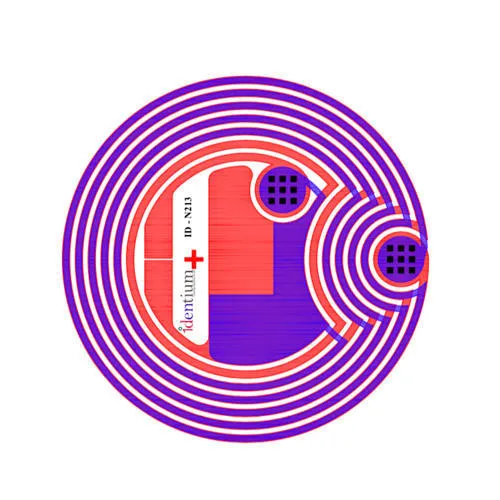
- NFC tag NTAG213 ID-K213, a thin sticker for flat and curved surfaces that takes a URL, text or vCard record, with pre-encoding on request: ₹15 + GST.
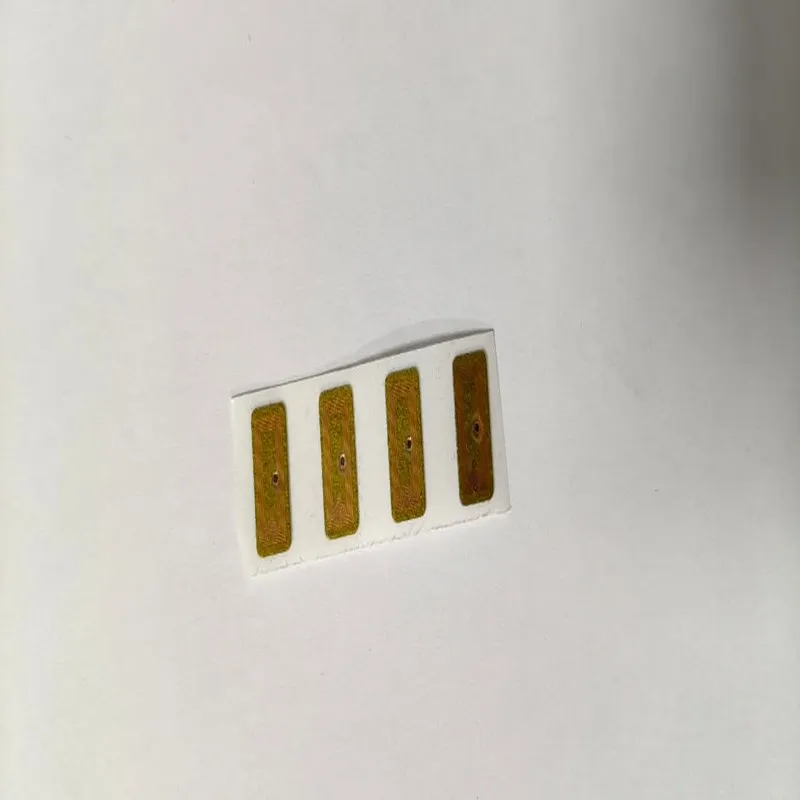
- NTAG213 mini sticker, 12 × 8.5 mm, for small products and packaging: ₹28 + GST.
- NTAG213 wet inlay on rolls, for converting into your own labels: ₹15 + GST.
- NFC business cards in PVC, matte black and metal, and the NFC Google review stand for shop counters, which comes encoded with your review link.
- For encoding at a PC, the HRD20 HF desktop reader reads at 5–10 cm over USB, with its SDK offered for the read/write model: ₹2,000 + GST. Confirm that the SDK supports the NTAG21x commands you need before you order.
Tags, stickers and cards are sold from a minimum order of 500 pcs; the full range is under NFC tags, stickers and labels. To test a format first, order samples through the samples form: ₹250 for 1–2 pieces including shipping.
NFC tag identified ka matlab (हिंदी में)
फ़ोन पर "NFC tag detected", "NFC tag identified" या "New tag collected" लिखा आने का मतलब है कि आपके फ़ोन ने अभी लगभग 4 सेंटीमीटर के अंदर एक NFC टैग पढ़ा है, जैसे कोई स्टिकर, कार्ड या पोस्टर। टैग में जो जानकारी लिखी है, अक्सर कोई वेबसाइट लिंक या कॉन्टैक्ट, फ़ोन उसे खोलने का विकल्प दे रहा है।
क्या यह ख़तरनाक है? NFC टैग बिना बैटरी की एक छोटी मेमोरी चिप है। वह आपके फ़ोन में कोई प्रोग्राम नहीं चला सकता और आपका डेटा नहीं पढ़ सकता; वह सिर्फ़ वही देता है जो उसमें लिखा गया है। इसलिए उसके लिंक को किसी भी दूसरे लिंक की तरह देखें और कुछ भी भरने से पहले वेबसाइट का पता जाँच लें।
मैसेज बार-बार आए तो देखें कि फ़ोन कवर में कोई मेट्रो कार्ड, ऑफ़िस कार्ड या बैंक कार्ड तो नहीं रखा है; फ़ोन ऐसे कार्ड को बार-बार पढ़ने की कोशिश करता रहता है। NFC बंद करना हो तो Settings में "NFC" खोजें और Use NFC बंद कर दें। ध्यान रखें, इससे फ़ोन से टैप करके पेमेंट भी बंद हो जाएगा।
Related guides
Sources
- Android Developers: NFC overview (short-range, typically 4 cm or less; reader/writer mode), accessed 25 October 2026
- Android Developers: NFC basics (NDEF records, the tag dispatch system, tags read while the screen is unlocked), accessed 25 October 2026
- Google Pixel Phone Help: turning NFC on or off, and a phone near a card with an NFC chip, accessed 25 October 2026
- Apple Developer: Adding support for background tag reading (iPhone XS and later, when it is unavailable, supported links), accessed 25 October 2026
- NXP: NTAG213/215/216 product data sheet, Rev. 3.2, 2 June 2015 (memory, UID, data retention, write endurance, lock bits, password), accessed 25 October 2026
Cite as: India RFID Store (Identium Tech Solutions Pvt Ltd), “NFC Tag Detected on Your Phone: Meaning & How to Use It”, https://www.indiarfidstore.com/rfid-resources/nfc-tag-detected-meaning-read-write-nfc-tags-android-iphone, published 25 Oct 2026.
Frequently asked questions
What does "NFC tag detected" mean on my phone?
Why does my phone keep saying "New tag collected"?
Can an NFC tag hack my phone or steal my data?
How do I read an NFC tag on an iPhone?
How do I stop the "NFC tag detected" message?
Which NFC tag should I buy: NTAG213, NTAG215 or NTAG216?
NFCNFC TagsNTAG213Android & iPhoneSmartphones
Keep reading
More guides
More in Technology explained
- Why Your Zudio, Westside or Decathlon Clothes Carry an RFID Tag, and What Garment Vendors Supply
- How Far Will My UHF RFID Tag Read? Link Budget Explained for India
- Will RFID Tags Made in India Work in Europe, the UK, the Gulf or Africa? The ETSI 865-868 MHz Compatibility Guide
- GS1 and EPC Encoding for Indian Retail Suppliers: SGTIN-96 Explained