RC522 RFID Reader-Writer Module, 13.56 MHz, SPI (Development Board)
Price on request
Per piece
Shop by category
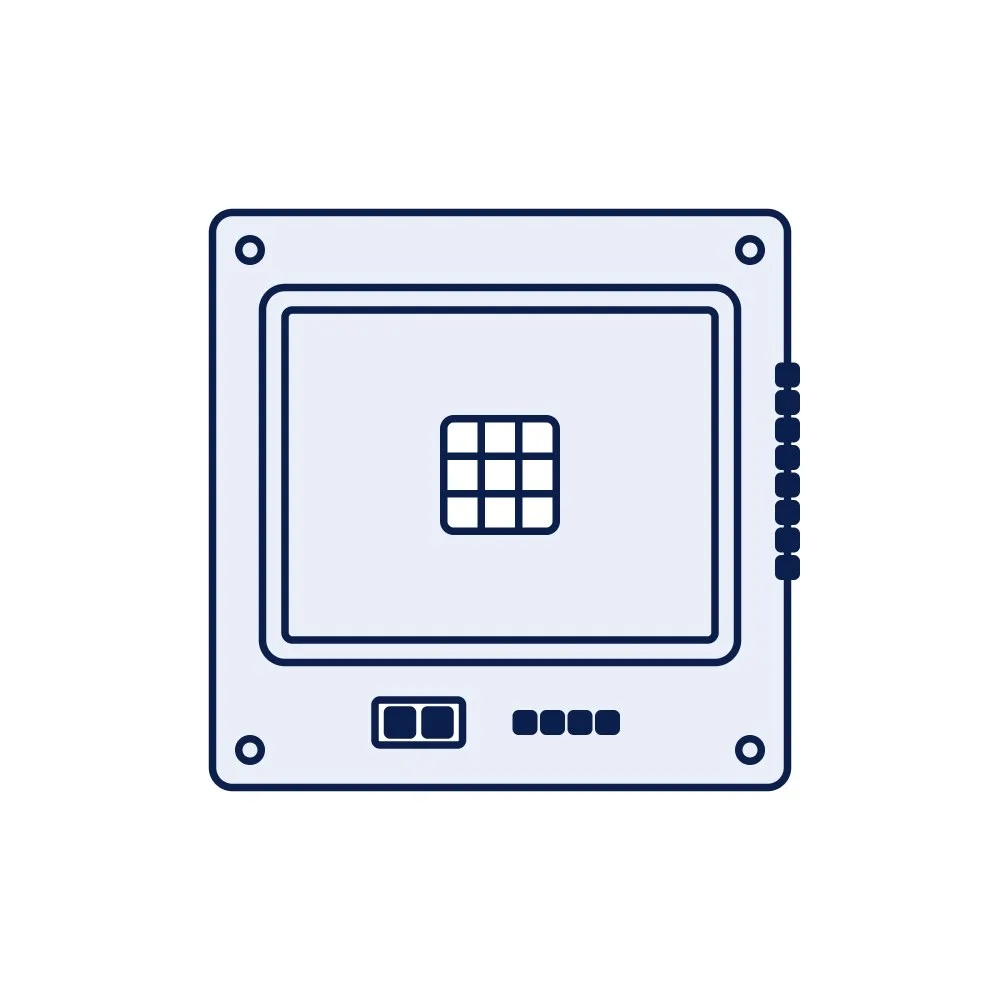
A development board around the PN532 NFC controller: a 13.56 MHz reader-writer that also does card emulation and peer-to-peer NFC, with I²C, SPI or UART selected by switch. The broader alternative to the RC522 for prototypes that must read ISO 14443B or FeliCa or act as a tag themselves.
Price on request
Min. order 1 pieceThe final price for your quantity is confirmed in the quote
Key features
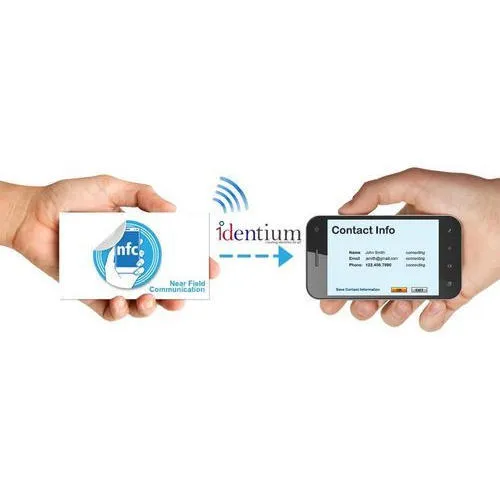
Where the RC522 module only reads ISO 14443A cards, the PN532 is a full NFC controller: it reads ISO 14443A and B cards and FeliCa, it can emulate a tag so that a phone reads the prototype, and it can exchange data peer-to-peer with another NFC device. Three interfaces, I²C, SPI and UART, are selected by a switch on the board, so it connects to an Arduino-compatible board, an ESP32 or a Raspberry Pi with the bus you prefer. Open-source libraries cover all three.
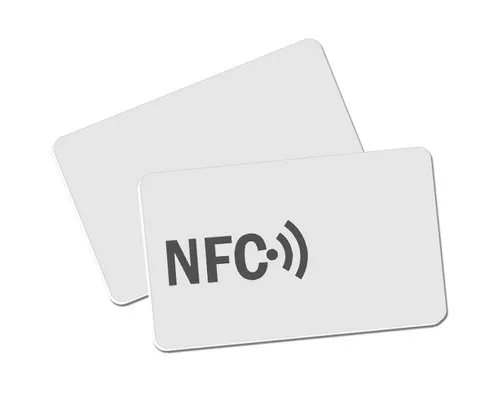
Choose the PN532 when the prototype must interact with phones as a tag, read non-A card types, or when you want one board that covers the whole 13.56 MHz family during development. Choose the RC522 for the cheapest possible card reader. Neither reads 125 kHz cards (see the 125 kHz UART module), ISO 15693 library labels or UHF tags (see the UHF development module). For test cards use our NFC cards in NTAG or MIFARE Classic versions; the NFC tag guide explains the tag types.
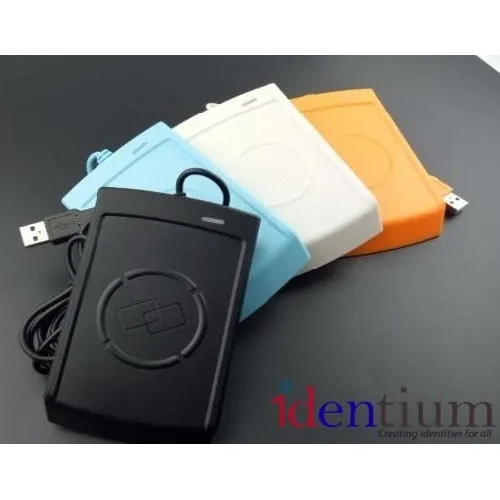
Development modules are for proving a design. The production step is a finished reader such as the HRD20 desktop reader or another of our HF and NFC readers, which come housed and ready to connect. Modules are quoted from one unit: request a quote.
| NFC controller | PN532 |
|---|---|
| Frequency | 13.56 MHz (HF / NFC) |
| Protocols | ISO/IEC 14443A, ISO/IEC 14443B, FeliCa; NFC Forum tag types, per the public datasheet |
| Modes | Reader/writer, card emulation, peer-to-peer |
| Interface | I²C, SPI or UART (HSU), selected by DIP switch, typical for the class |
| Supply | 3.3–5 V DC on the usual boards, typical for the class; check the board's regulator |
| Antenna | PCB loop antenna on the board |
| Read range | A few centimetres, typical for the class; depends on the tag |
| Does not read | 125 kHz cards, ISO 15693 labels, UHF tags |
| Supplied | Module only unless stated |
Buying guides
Price on request
Per piece₹20 + GST
Min. order 500 pcsPrice on request
Per piecePrice on request
Per pieceIDTS-DFE8
₹7,515 + GST
Per pieceIDBOT
Product finder & instant answers