
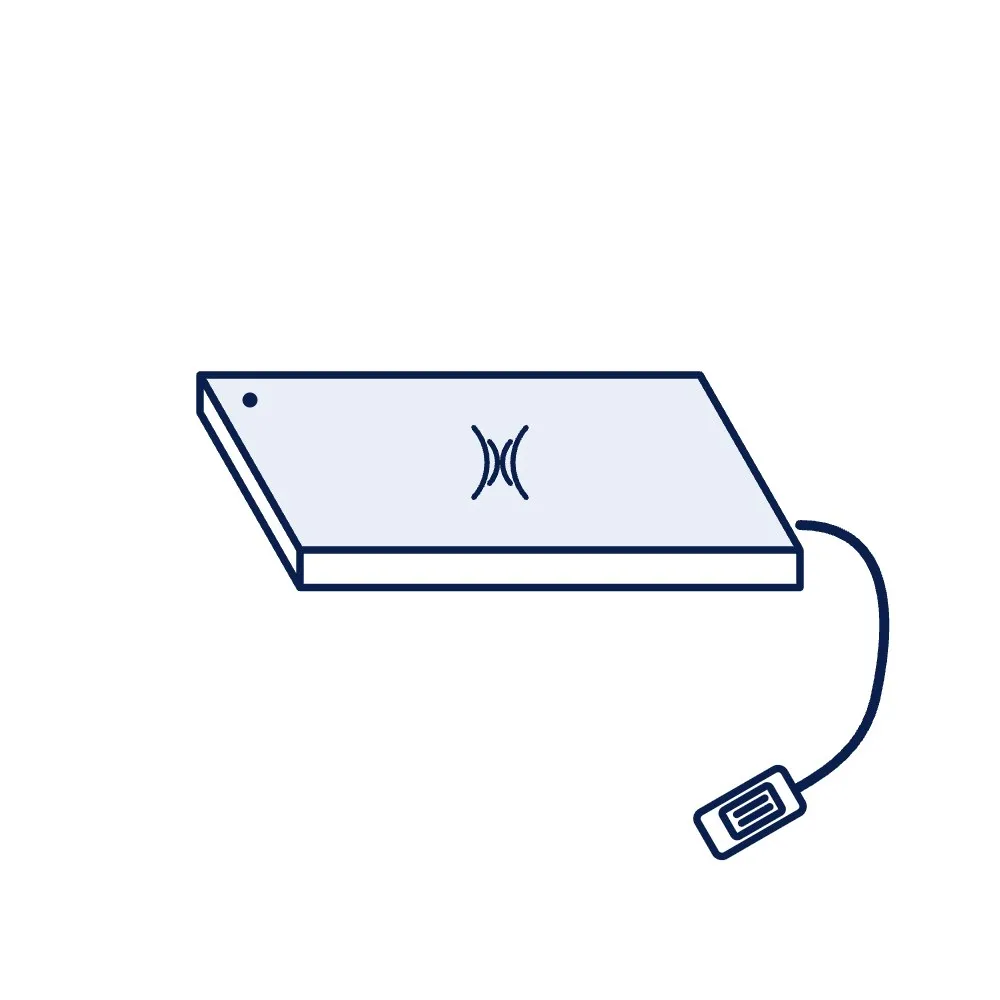
HF Library Staff Pad, ISO 15693, USB (Check-In / Check-Out)
A flat USB reader pad for the library counter that reads the ISO 15693 labels of a stack of books placed on it, clears their EAS bit at issue and sets it at return, and passes the IDs to the library management software. The counter half of an RFID library, with the security gate as the exit half.
Price on request
Min. order 1 pieceThe final price for your quantity is confirmed in the quote
- 7-day replacement · 1-year warranty against manufacturing defects
- Blue Dart next-day delivery
Key features
- 13.56 MHz, ISO 15693: reads the ICODE SLIX-type labels sold here
- Sets and clears the EAS bit at issue and return
- Reads a stack of books placed on the pad; count confirmed in the quotation
- USB bus powered, typical for the class; SDK and demo software as sourced
- Link to library software confirmed in the quotation
- Frequency
- 13.56 MHz (HF)
- Protocol
- ISO 15693 (ISO 14443A as sourced)
- Interface
- USB
Overview
Issue and return in one touch
At an RFID counter the member puts the pile of books on the pad, the pad reads every label at once and the library software records the issue, while the pad clears each label's EAS bit so the security gate lets the books out. At return the pad reads the pile again and sets the bits back. Compared with scanning barcodes one book at a time, a stack is handled in one placement, and the same pad writes the labels when new books are tagged. The library RFID system guide walks through the counter workflow.
Labels and software
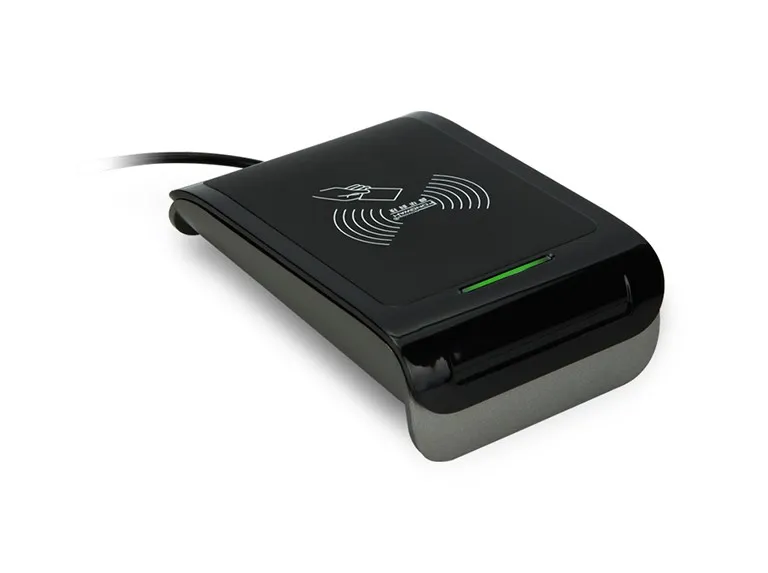
The pad reads ISO 15693 labels such as our 50 × 50 mm and 80 × 50 mm ICODE SLIX2 labels and the ID-5050 label, listed under library tags and book labels; the number of labels it reads in one stack depends on the label size and placement and is confirmed in the quotation. Library management software connects through the pad's SDK or a standard interface, which we confirm for the software you run. For a single-card desk reader rather than a pad, see the HRD20 desktop reader and the other HF readers.
Ordering
Pads are quoted per unit from one. Request a quote with the number of counters, the labels you use and the library software, so the integration is confirmed before you order. The library management solution page and the tender guide cover the full system.
Where to use the HF Library Staff Pad, ISO 15693, USB (Check-In / Check-Out)
- Library issue and return counters
- Back-office tagging and encoding
- Stock verification at the desk
- Archives and reading rooms
Specifications
Datasheet (PDF)| Frequency | 13.56 MHz (HF) |
|---|---|
| Protocol | ISO 15693 (ISO 14443A as sourced) |
| Interface | USB |
| Power | USB bus powered, typical for the class |
| Functions | Read label UID and data; set and clear the EAS bit; write label data at tagging |
| Multi-tag | Reads several labels in a stack; count confirmed in the quotation |
| Form | Flat desk pad; size confirmed in the quotation |
| Software | SDK and demo software as sourced; integration with library software confirmed in the quotation |
Frequently asked questions
How many books can it read at once?
Does it work with our library software?
Can it also tag new books?
Buying guides
Related products
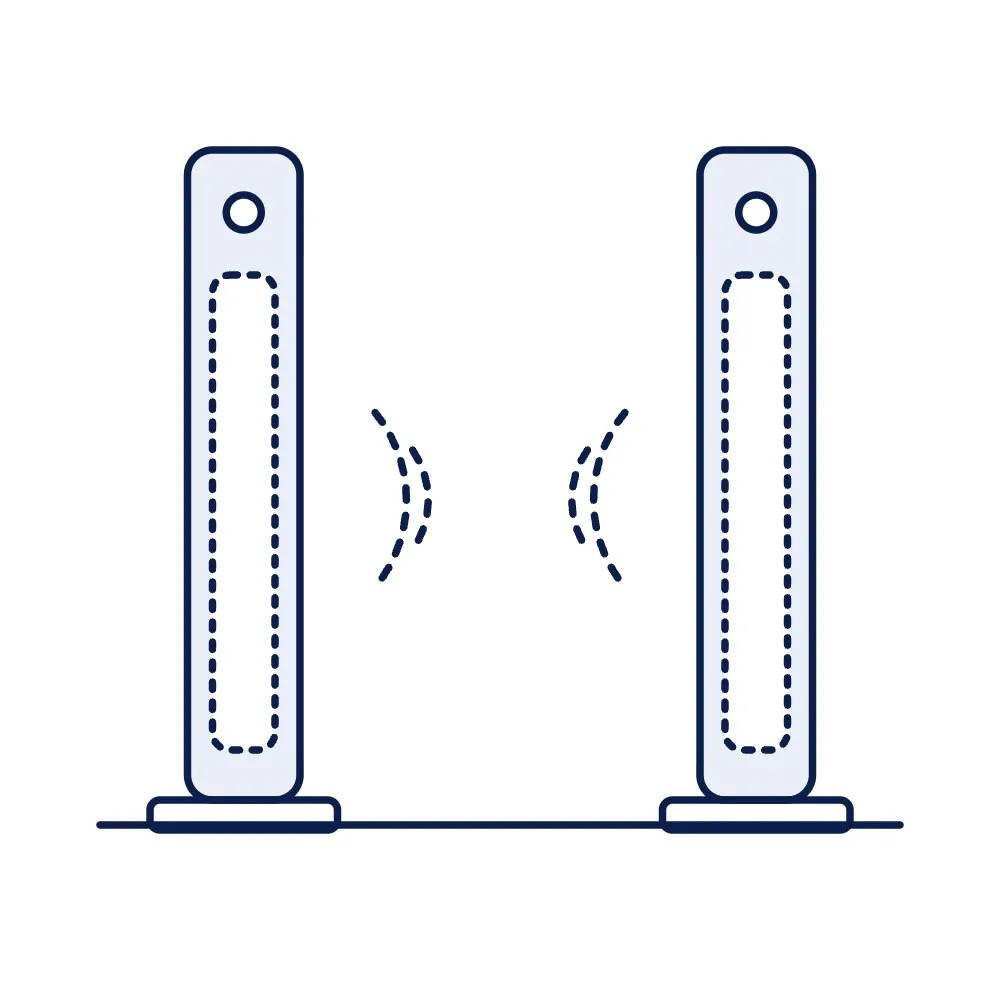
HF Library Security Gate, ISO 15693, Single Aisle (EAS Alarm)
Price on request
Per piece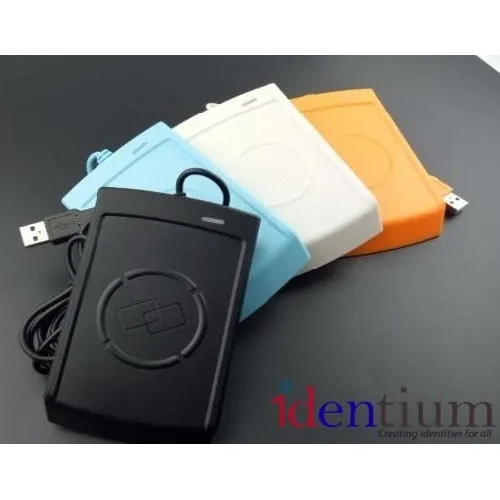
PN532 NFC / RFID Module, 13.56 MHz, I²C / SPI / UART (Development Board)
Price on request
Per piece
RC522 RFID Reader-Writer Module, 13.56 MHz, SPI (Development Board)
Price on request
Per piece