
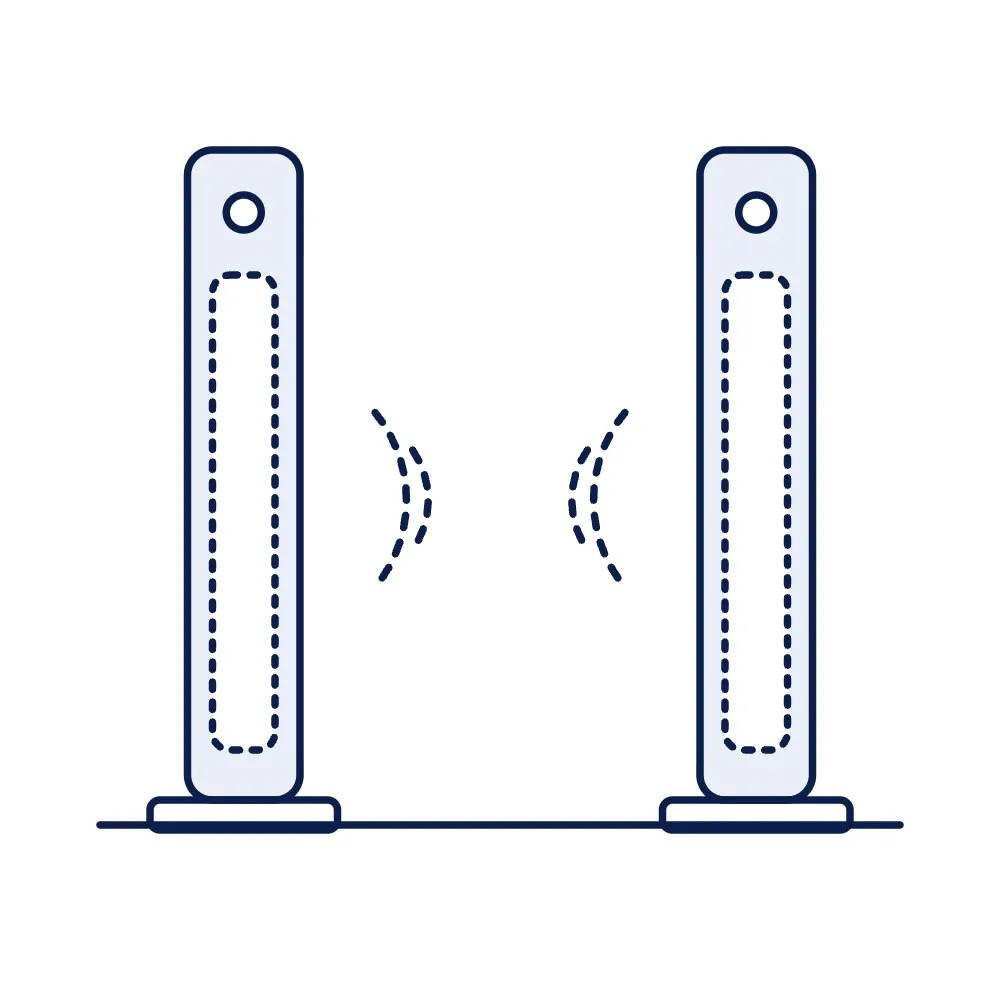
HF Library Security Gate, ISO 15693, Single Aisle (EAS Alarm)
A pair of pedestals at the library exit that sound an alarm when a book carrying an ISO 15693 label whose EAS bit is still set passes between them, so an un-issued book cannot leave. Works with the ICODE SLIX-type labels sold here and the staff pad that clears the bit at issue.
Price on request
Min. order 1 pieceThe final price for your quantity is confirmed in the quote
- 7-day replacement · 1-year warranty against manufacturing defects
- Blue Dart next-day delivery
Key features
- Single aisle: two pedestals, one walkway between them
- 13.56 MHz, ISO 15693; alarms on labels with the EAS bit set
- Audible and visual alarm; people counter as sourced
- Pairs with the HF staff pad and our ISO 15693 library labels
- Aisle width and detection window confirmed in the quotation
- Frequency
- 13.56 MHz (HF)
- Protocol
- ISO 15693
Overview
How the gate protects the collection
Every book in an RFID library carries an ISO 15693 label with an EAS (electronic article surveillance) bit. At issue, the staff pad clears the bit; at return, it sets it again. The gate at the exit reads the labels passing between its pedestals and alarms only when it sees a bit still set, so issued books pass silently and un-issued ones do not. No database lookup is needed at the gate, which is why it works even when the library software is down. The library RFID system guide explains the whole workflow.
Labels, pad and layout
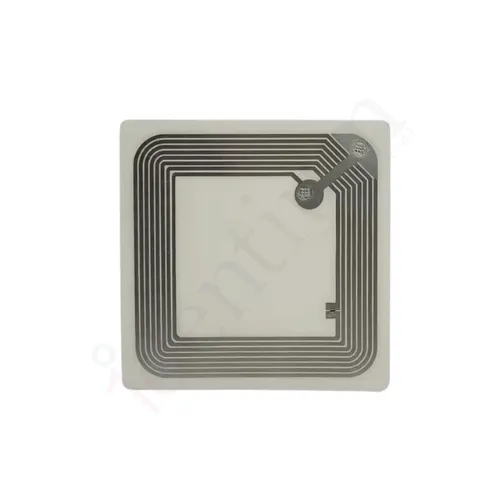
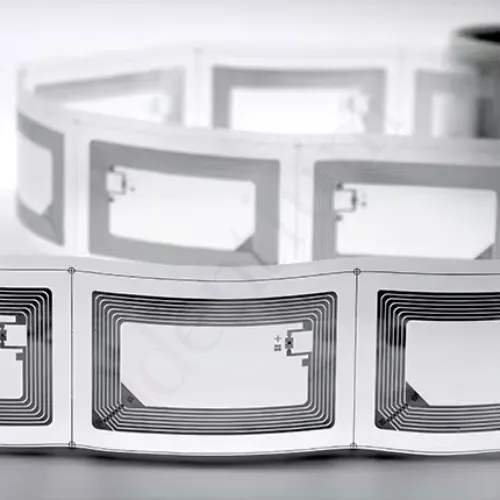
The gate works with ISO 15693 labels that support EAS, such as our 50 × 50 mm and 80 × 50 mm ICODE SLIX2 labels and the ID-5050 ICODE SLIX label, all listed under library tags and book labels. The staff pad at the counter sets and clears the bit. The width of the aisle and the detection window depend on the label size and placement in the book, so both are confirmed in the quotation rather than quoted as a single figure; a wider exit takes extra pedestals.
Ordering
Gates are quoted per aisle from one. Request a quote with the exit width, the number of exits and the labels you use or plan to use. Tender teams will find the typical bill of quantities in the library RFID system price and tender guide, and the library management solution page shows how the gate, pad, labels and software fit together.
Where to use the HF Library Security Gate, ISO 15693, Single Aisle (EAS Alarm)
- Public and academic libraries
- School libraries
- Corporate knowledge centres
- Archives and reading rooms
Specifications
Datasheet (PDF)| Frequency | 13.56 MHz (HF) |
|---|---|
| Protocol | ISO 15693 |
| Detection | EAS: alarms on a label whose EAS bit is set (not issued) |
| Configuration | Single aisle, two pedestals; add pedestals for more aisles |
| Alarm | Audible and visual |
| Counter | People counter, as sourced |
| Aisle width | Confirmed in the quotation for the label and layout |
| Power | Mains adapter |
| Construction | Acrylic and aluminium pedestals, typical for the class |
Frequently asked questions
Will the gate alarm on books from another library?
How wide can the aisle be?
Does it need the library software to work?
Buying guides
Related products

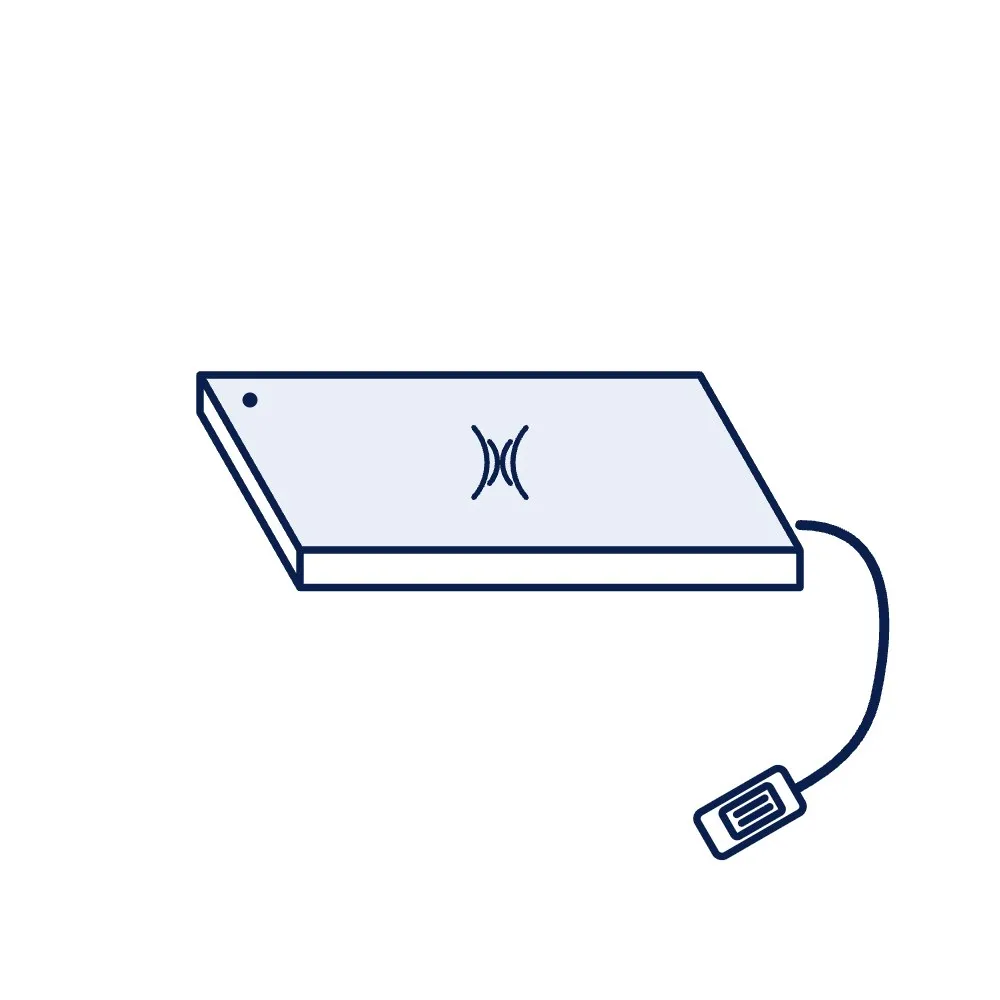
HF Library Staff Pad, ISO 15693, USB (Check-In / Check-Out)
Price on request
Per piece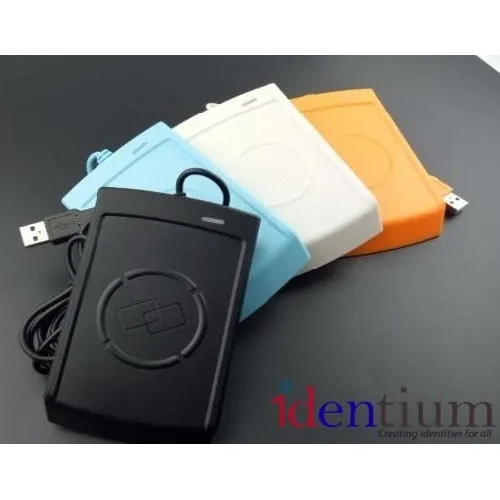
PN532 NFC / RFID Module, 13.56 MHz, I²C / SPI / UART (Development Board)
Price on request
Per piece
RC522 RFID Reader-Writer Module, 13.56 MHz, SPI (Development Board)
Price on request
Per piece
RFID Card Attendance Terminal, 125 kHz / 13.56 MHz, TCP/IP + Wi-Fi
Price on request
Per piece