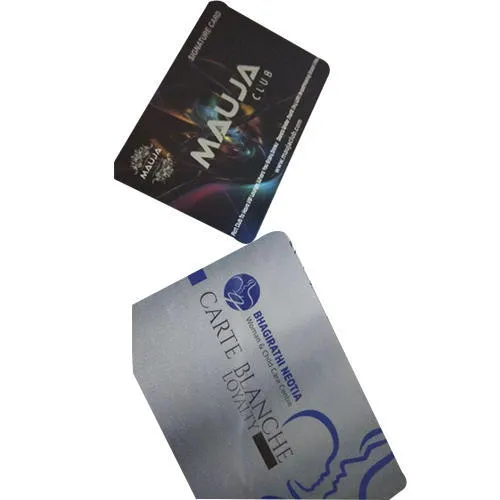
Printed RFID ID Card
₹30 + GST
Min. order 500 pcs
Shop by category
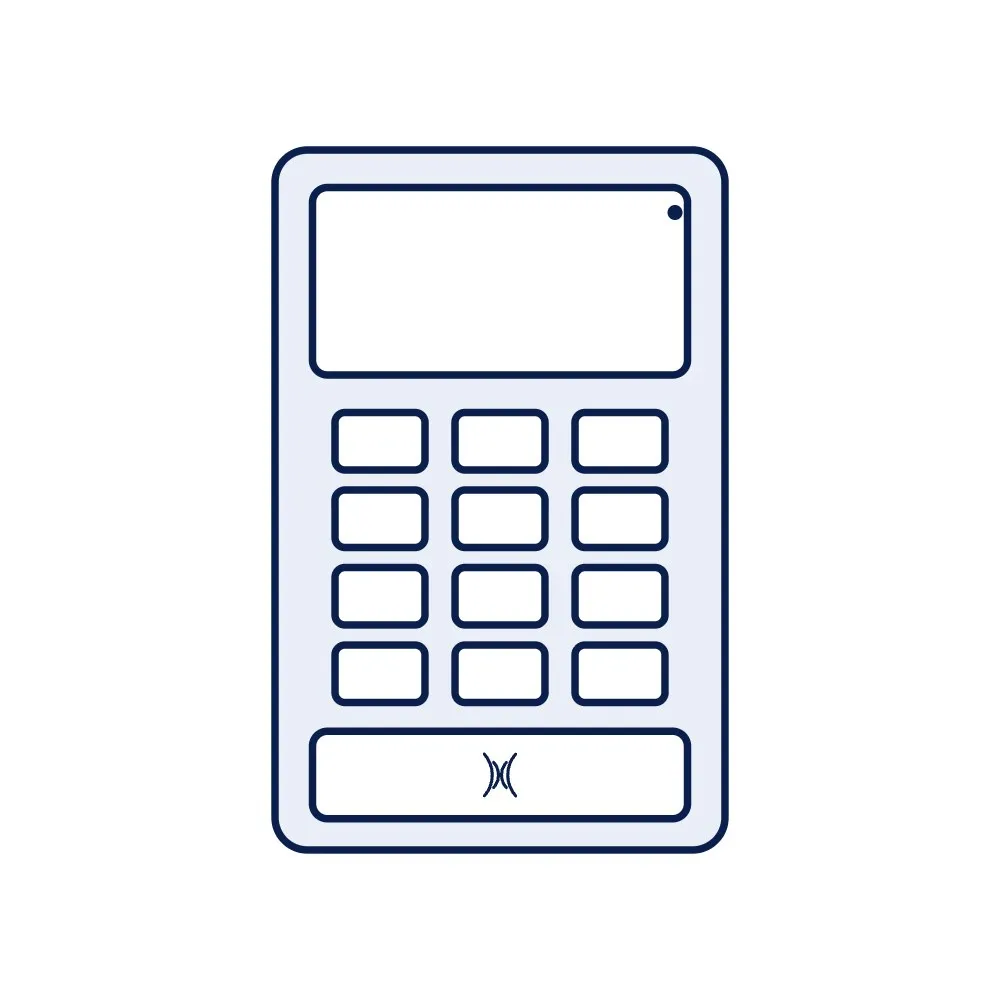
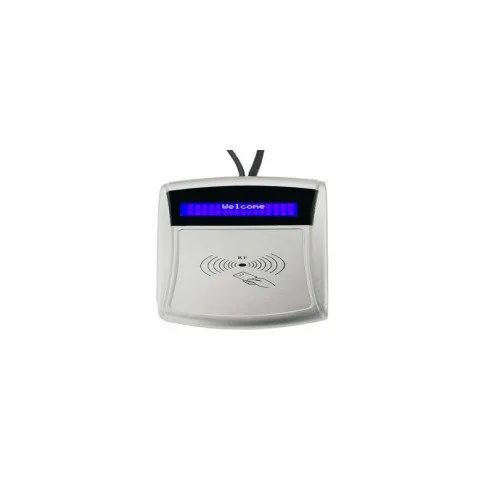
A wall-mounted terminal that records a punch when a staff or student card is tapped, stores the records and sends them to attendance software over TCP/IP or Wi-Fi. Supplied for 125 kHz or 13.56 MHz cards as ordered, with a display and keypad; no biometrics, so no fingerprint or face data is collected.
Price on request
Min. order 1 pieceThe final price for your quantity is confirmed in the quote
Key features
A card attendance terminal records who tapped and when, and hands the punches to the software that makes the attendance sheet or the payroll file. Staff tap the card they already carry for the door; students tap the card on their lanyard. Because it reads a card and nothing else, it collects no fingerprint or face data, which matters to organisations reviewing biometric attendance under India's data-protection rules; the DPDP rules and biometric attendance guide covers that choice, and the attendance management guide the set-up.
Each unit reads one card type, chosen at order: 125 kHz EM4100-format cards such as our 125 kHz card, or 13.56 MHz ISO 14443A cards such as the plain 13.56 MHz card; both can be supplied as printed ID cards with photo and name. Punches go to your software over Ethernet or Wi-Fi, and the terminal keeps them locally while the network is down, typical for the class. Match the card to any readers already on site before ordering cards; the card compatibility guide explains how.
Terminals are quoted per unit from one. Request a quote with the card type, the number of terminals and the attendance software you use, so the export format is confirmed. The access control and attendance solution shows terminals, doors and software together; the HRW560 IP reader is the alternative where you integrate reads into your own software.
| Card types | 125 kHz (EM4100-format) or 13.56 MHz (ISO 14443A), one type per unit as ordered |
|---|---|
| Interface | TCP/IP (Ethernet) and Wi-Fi; USB export as sourced |
| Display and keypad | Built in; size and layout as sourced |
| Records | Stored locally and sent to the software; capacity stated in the quotation |
| Power | 12 V DC adapter, typical for the class |
| Mounting | Wall |
| Software | Punch records exported to attendance or payroll software; integration confirmed in the quotation |
| Door output | Lock relay on some models, as sourced |
Buying guides
₹30 + GST
Min. order 500 pcs₹10 + GST
Min. order 500 pcs₹10 + GST
Min. order 500 pcsIDTS-DFE8
₹7,515 + GST
Per piecePrice on request
Per pieceIDBOT
Product finder & instant answers
_CUB1e.webp)