
NFC Epoxy Table Tag IDTS-NTT50 for Tap-or-Scan Menus (50 mm)
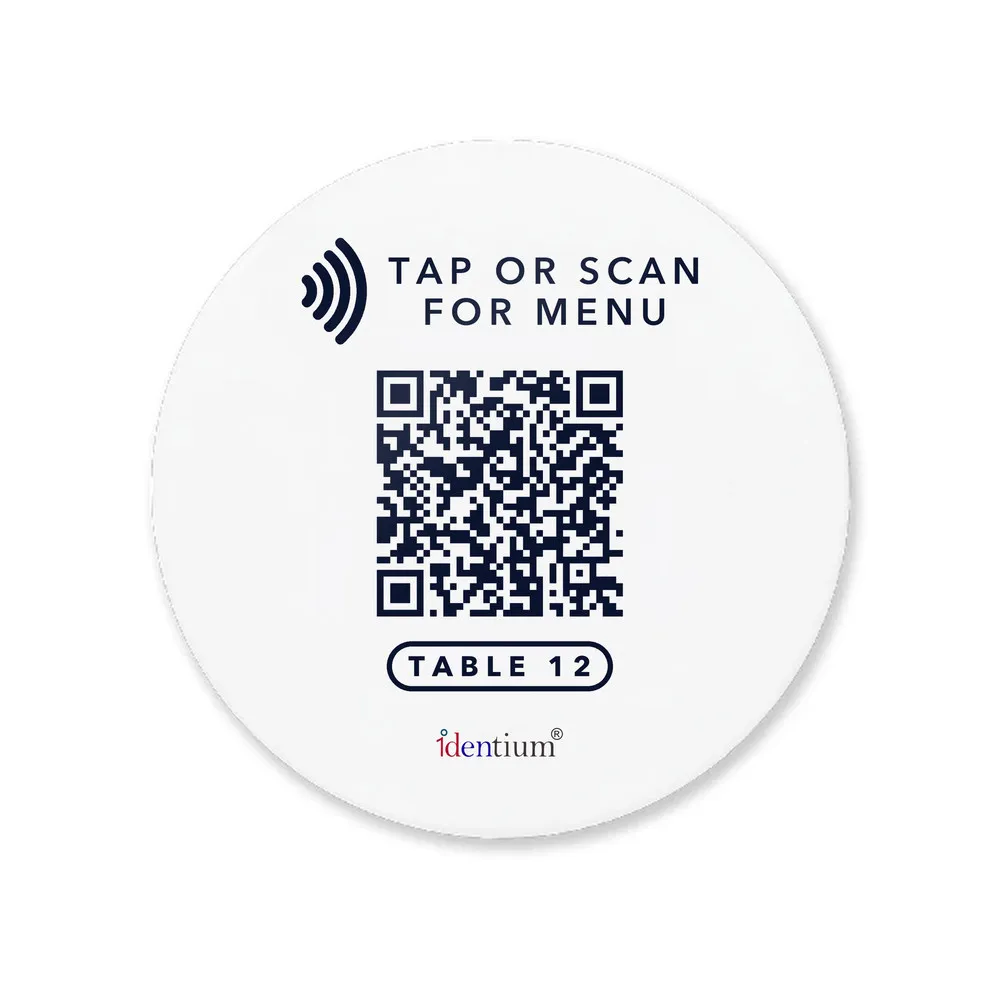
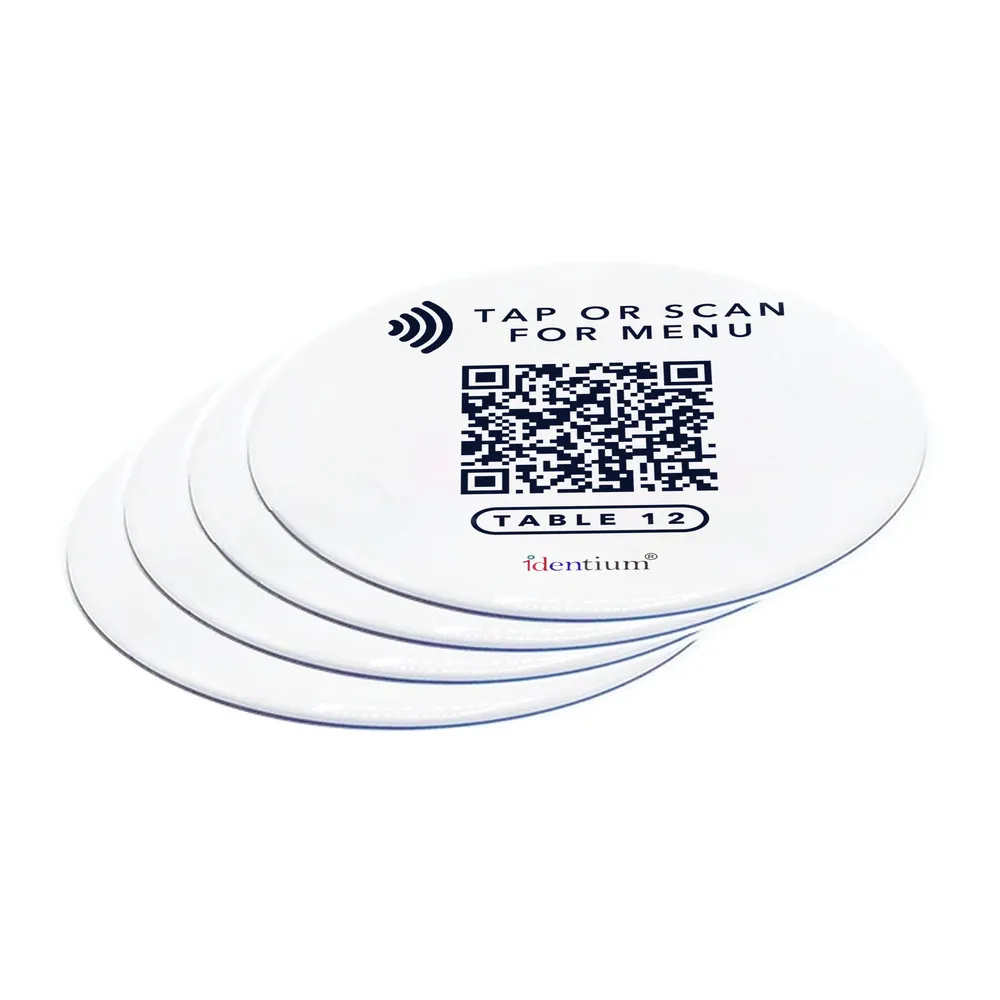
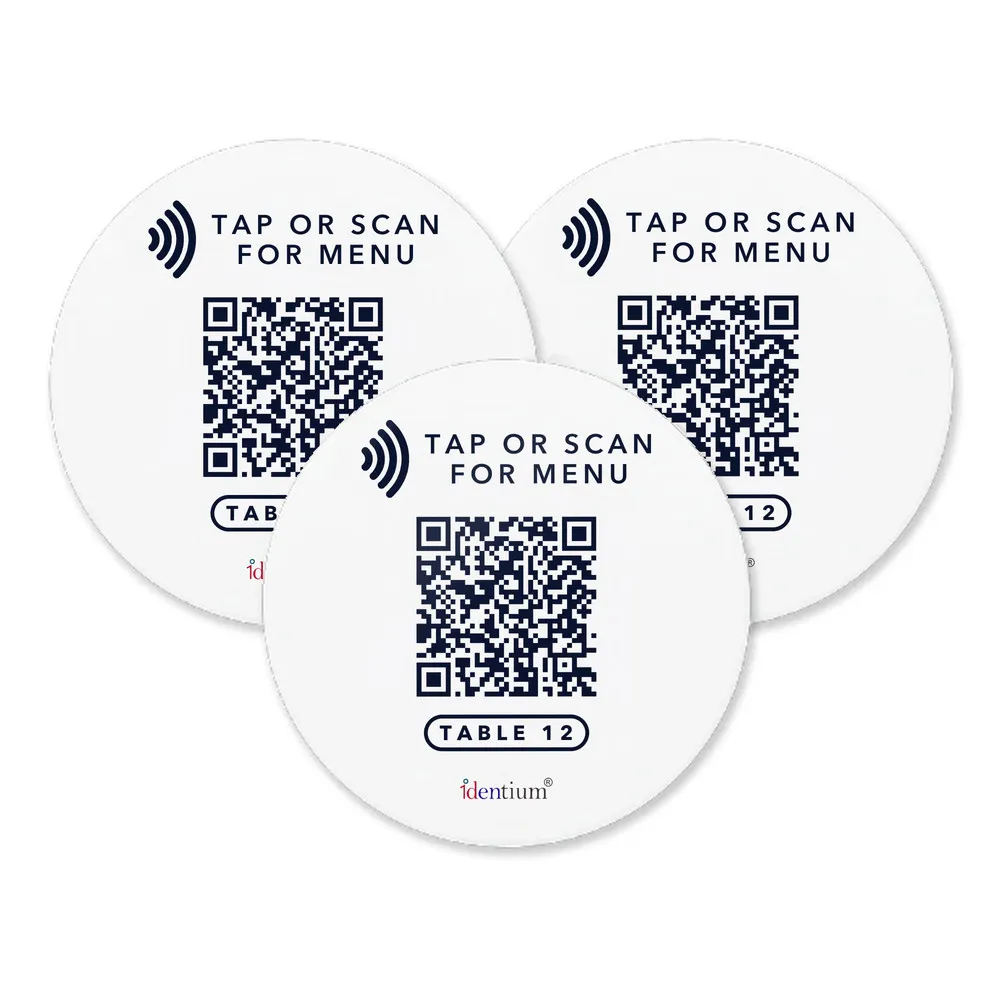
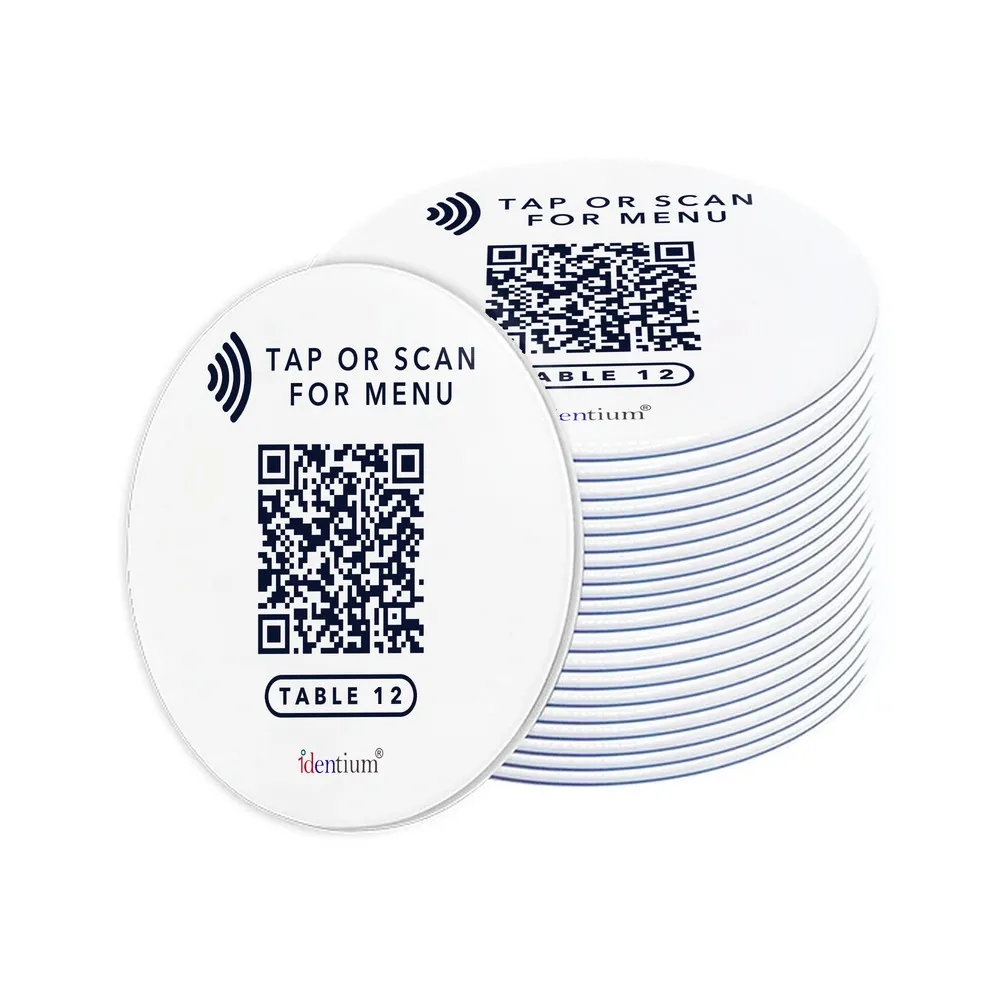
A tap-or-scan table tag for restaurants and cafés: a 50 mm round epoxy disc with an adhesive back, printed with your logo, a QR code and a “tap or scan for menu” prompt, so guests open your menu by NFC tap or camera scan.
- Model:
- IDTS-NTT50
- Brand:
- Identium
- Frequency:
- 13.56 MHz (HF / NFC)
- Protocol:
- ISO/IEC 14443A
- Chip:
- NFC chip; type confirmed with your order
- Datasheet:
- PDF · 203 KB
- Listing updated:
Price on request
Min. order 500 piecesThe final price for your quantity is confirmed in the quote
- 7-day replacement · 1-year warranty against manufacturing defects
- Blue Dart next-day delivery
- Samples ₹250 (1–2 pcs, incl. shipping) · request a sample of this tag
Sold by India RFID Store, the online catalogue of Identium Tech Solutions Pvt Ltd, an RFID manufacturer in New Delhi, India, in business since 2010.
Key features
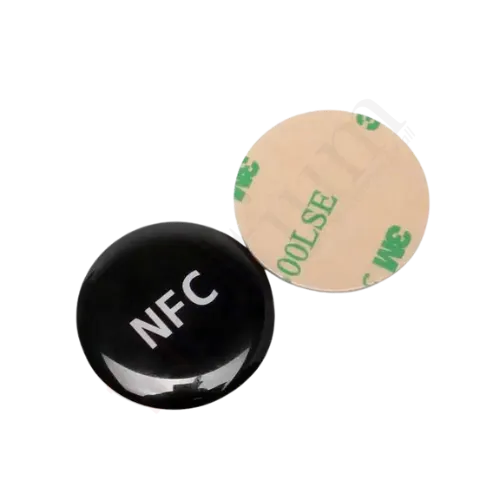
- 50 mm PVC disc with an epoxy surface; other diameters made to order
- 13.56 MHz HF NFC, ISO/IEC 14443A; chip type confirmed with your order
- Full-colour face: your logo, QR code and a “tap or scan for menu” prompt
- Adhesive back for clean, flat table tops; adhesion varies by surface
- Waterproof and weatherproof; try samples on outdoor tables first
- One link, two routes: NFC tap for phones with NFC, the printed QR for the rest
Overview
IDTS-NTT50 is a 50 mm round NFC table tag for restaurant, café and hotel tables: a PVC disc with an epoxy surface, an adhesive back and your QR code printed on the face. It runs at 13.56 MHz HF under ISO/IEC 14443A, with the NFC chip type confirmed with your order; guests tap an NFC phone on it or scan the QR to open your menu. Minimum order 500 pcs; price on request.
How a tap-or-scan NFC table tag works
Encode the tag with the same link the QR code carries: a menu, an ordering page, a review page or a bill-payment page. A guest holds an NFC phone to the tag and the phone offers to open the link, on most phones without an app (iPhone 7 to X need an NFC app); everyone else scans the QR with the camera. Point both at a page you can edit, and a new menu needs no new tags.
Print, program and place the tags
Send your logo, QR code and a short prompt such as “Tap or scan for menu” for full-colour printing. Write your link with an NFC app on an Android phone, or ask about encoding to order; our guide to reading and writing NFC tags covers the basics.
Stick each tag on a clean, dry, flat table top. Adhesion varies by surface, so try samples on your own tables first, especially metal-topped ones.
For the billing counter, the NFC review stand sits upright at the till; for a smaller 30 mm disc, see the NFC epoxy tag IDNE30.
Where the IDTS-NTT50 is used
- Restaurant table menus
- Café self-ordering
- Hotel room-service menus
- Bar and lounge tables
- Food court seating
- Customer review prompts
- Social media links
- Pay-at-table links
Product video
Specifications
Datasheet (PDF)| Model | IDTS-NTT50 |
|---|---|
| Type | NFC table tag with a printed QR code; passive, no battery |
| Frequency | 13.56 MHz (HF / NFC) |
| Protocol | ISO/IEC 14443A |
| Chip | NFC chip; type confirmed with your order |
| Shape | Round |
| Size | 50 mm diameter; custom sizes to orderSee this size at actual size → |
| Material | PVC with an epoxy surface |
| Printing | Full colour: logo, artwork, QR code and a “tap or scan” prompt |
| Mounting | Adhesive back (sticker) |
| Water resistance | Waterproof / weatherproof |
| Compatible with | NFC-enabled phones that read the chip fitted (tap); the printed QR code with a phone camera or QR scanner app |
| Encoding | Written with an NFC phone app (for example Identium NFC on Android); ask about encoding to order |
| Uses | Table menus and ordering, review and social media links, cashless payment links |
Frequently asked questions
Do guests need an app to use the table tag?
Do I need new tags when the menu changes?
Can each table have its own link?
Will the tag work on a steel or metal table?
How do I order custom printed table tags?
Buying guides
Related products
IDTS-NET30
Adhesive NFC Epoxy Sticker Tag IDTS-NET30 (30 mm, Custom Printed)
Price on request
Min. order 500 pcs

NFC Review Keychain, NTAG213 (Epoxy or PVC Tag with Keyring)
Price on request
Min. order 500 pcs
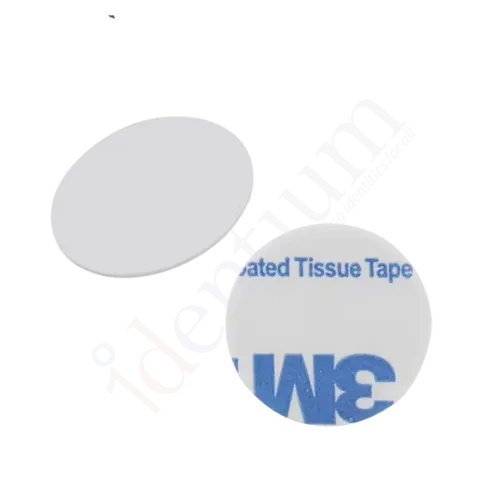
PVC RFID Coin tag
₹25 + GST
Min. order 500 pcs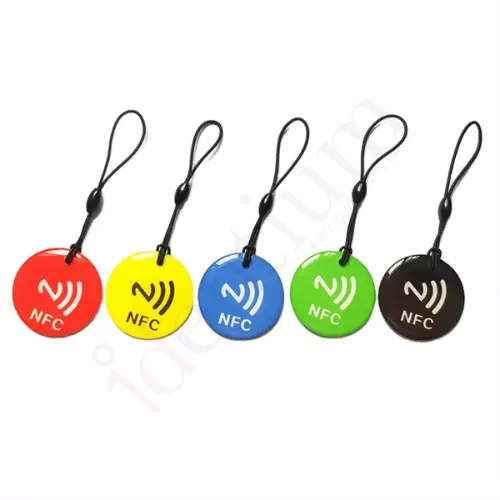
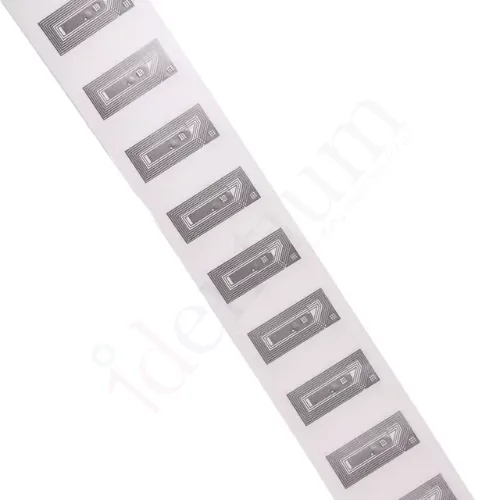
Small HF RFID Tag 30 × 15 mm (13.56 MHz, ISO 14443A)
₹12 + GST
Min. order 500 pcs