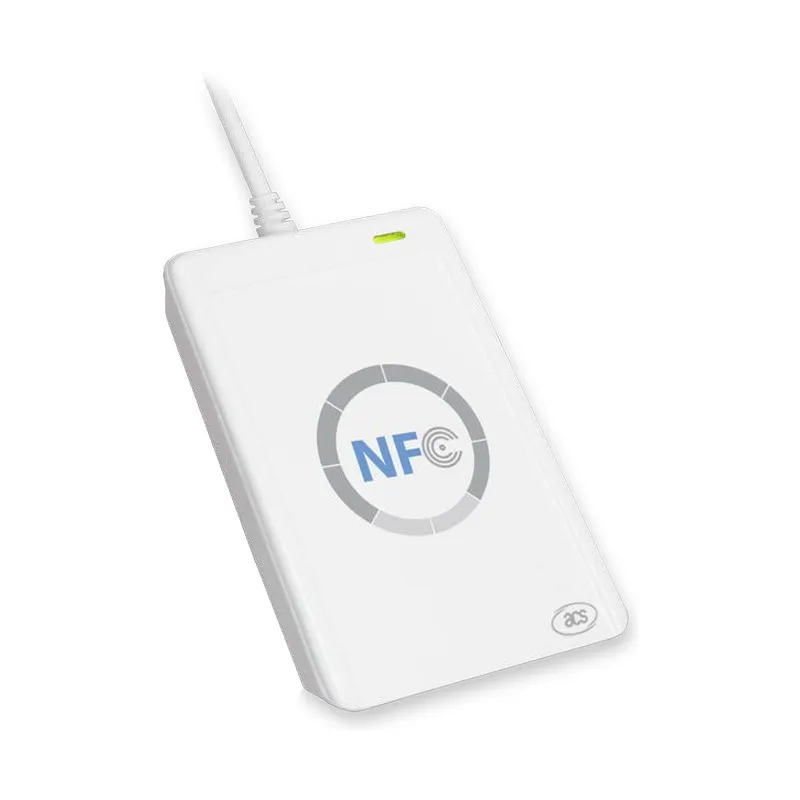
ACS ACR122U USB NFC Reader and Writer (13.56 MHz, PC/SC)
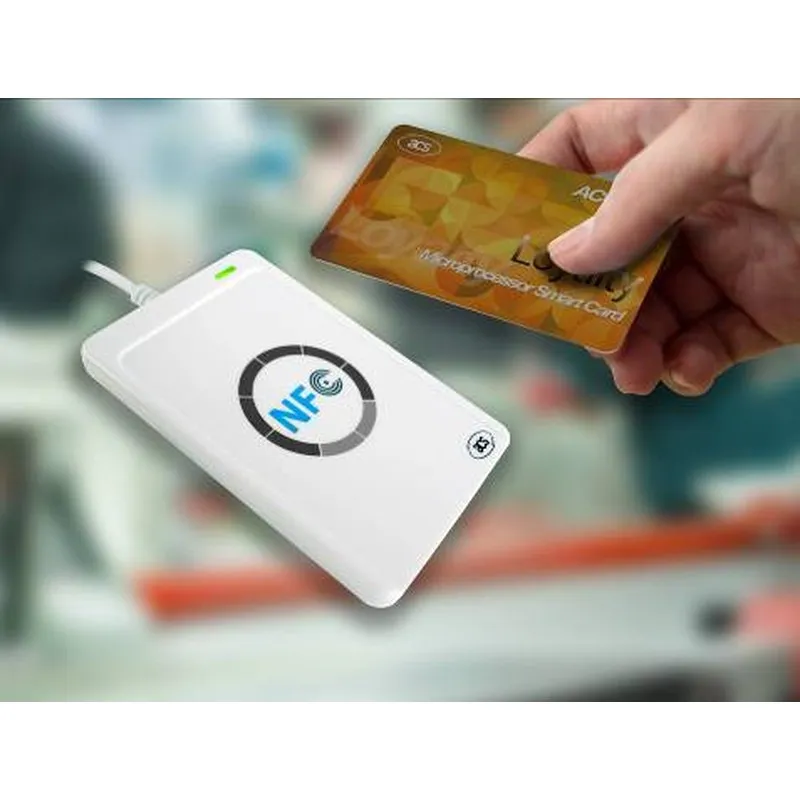
The ACS ACR122U is a USB NFC reader and writer for PCs. It reads and writes 13.56 MHz contactless cards and tags, including ISO 14443 Type A and B cards and all four NFC tag types, at up to 50 mm, and works as a standard PC/SC and CCID device, so most smart-card software can use it.
- Model:
- ACR122U
- Brand:
- ACS
- Frequency:
- 13.56 MHz
- Standards:
- ISO/IEC 18092 NFC, ISO 14443 Type A and B, MIFARE, FeliCa
- Protocol:
- ISO 14443 T=CL for ISO 14443-4 cards; T=CL emulation for MIFARE Classic, ISO 18092, FeliCa and NFC tags
- Read range:
- Up to 50 mm (depending on tag type)
- Datasheet:
- PDF · 249 KB
- Listing updated:
₹4,999
per piece + 18% GST
₹5,898.82 incl. GST
Min. order 1 pieceRequest a quote and pay by NEFT or UPI against the quotation
- 7-day replacement · 1-year warranty against manufacturing defects
- Blue Dart next-day delivery
- Ordered by quotation · in-stock items are dispatched the same day after payment · shipping is shown in your quotation
Sold by India RFID Store, the online catalogue of Identium Tech Solutions Pvt Ltd, an RFID manufacturer in New Delhi, India, in business since 2010.
Key features
- Reads and writes ISO 14443 A/B cards and NFC Forum tags at 13.56 MHz (full card list in the specifications)
- PC/SC and CCID compliant: works with standard smart-card software and APIs
- Card reading distance up to 50 mm, depending on the tag
- USB powered, with a fixed 1 m cable; no external power supply
- Bi-colour LED and buzzer controlled by your application
Overview
What the ACR122U does
The ACR122U from ACS (Advanced Card Systems) is a compact USB reader and writer for 13.56 MHz contactless cards and NFC tags. Plug it into a PC and it appears as a standard CCID smart-card reader, so software written for PC/SC can read card IDs, read and write data blocks, and encode NFC tags without a special driver on most systems. It handles ISO 14443 Type A and B cards and all four NFC Forum tag types (the full list is in the specifications), at up to 424 kbps.
Where it fits
- Encoding NFC tags and cards: write URLs, IDs or data to NTAG stickers, cards and wristbands at a desk before they go out.
- Card enrolment: register ISO 14443 cards into access-control, attendance, library or membership software.
- Development: build and test NFC and smart-card applications on Windows, Linux or macOS through PC/SC.
It reads one card at a time, at up to 50 mm depending on the card or tag, so it suits counter-top enrolment and encoding rather than reading at a distance or reading many tags at once. It does not read 125 kHz proximity cards or UHF tags; for those, see our HF RFID readers and UHF RFID readers.
Software and drivers
Because it follows the PC/SC and CCID standards, the ACR122U works with standard smart-card APIs on Windows, Linux and macOS; its maker provides drivers, an SDK and an Android library. The bi-colour LED and the buzzer are controlled by your application, so it can signal a good read or an error. The maker's technical specification is linked as the datasheet on this page.
Cards and tags to use with it
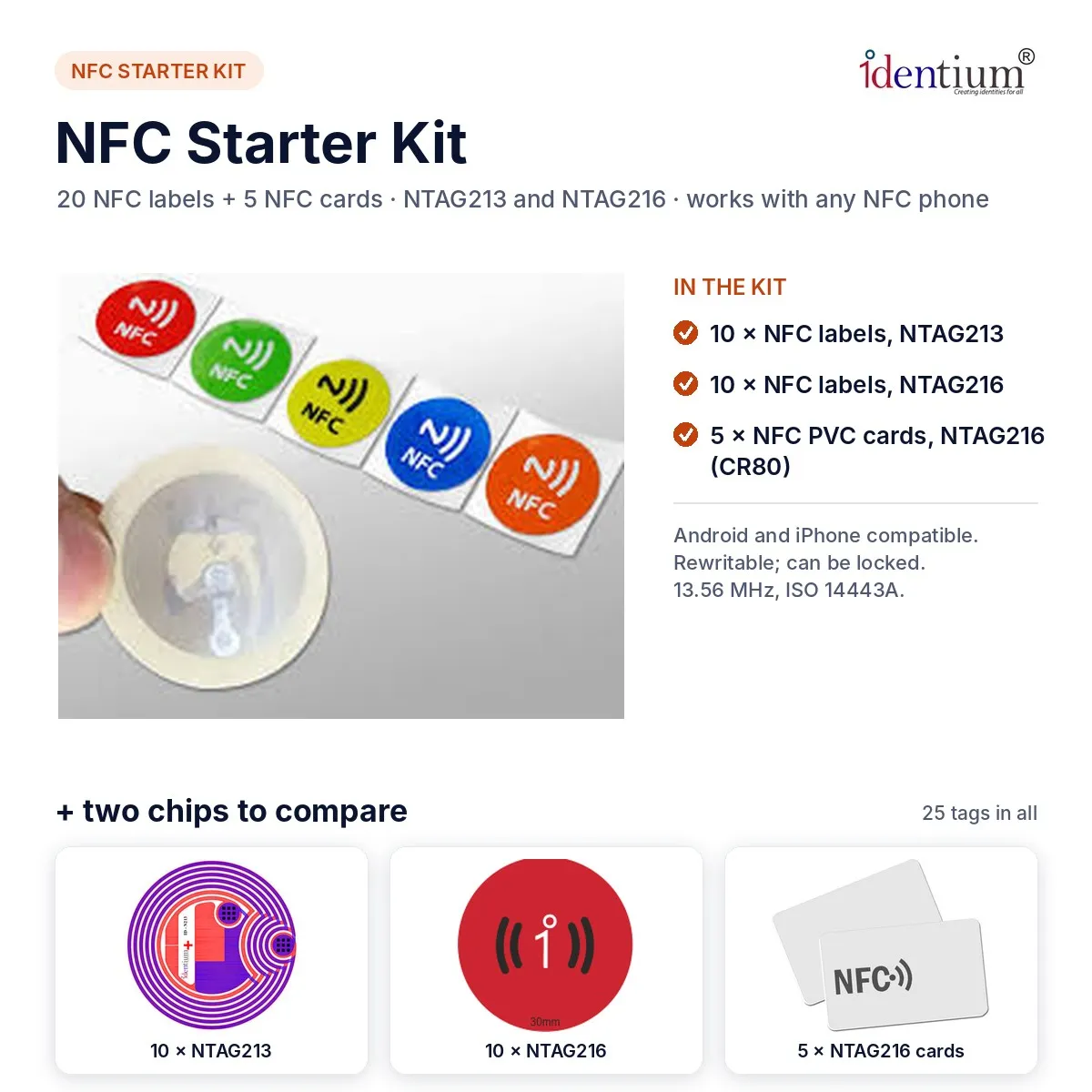
Pair it with our NFC tags and labels or NTAG cards. To try several chip types before choosing one, the NFC starter kit has sample labels and cards. Ask for a quote with the quantity you need.
Where the ACR122U is used
- Encoding and checking NFC tags and cards at a desk
- Access control and time-attendance card enrolment
- Loyalty, membership and payment card applications
- Transport and e-government card systems
- Software development and testing with PC/SC
Specifications
Datasheet (PDF)| Model | ACR122U |
|---|---|
| Brand | ACS (Advanced Card Systems) |
| Type | USB contactless smart card and NFC reader / writer |
| Frequency | 13.56 MHz |
| Standards | ISO/IEC 18092 NFC, ISO 14443 Type A and B, MIFARE, FeliCa |
| Protocol | ISO 14443 T=CL for ISO 14443-4 cards; T=CL emulation for MIFARE Classic, ISO 18092, FeliCa and NFC tags |
| Read range | Up to 50 mm (depending on tag type) |
| Read/write speed | 106, 212 and 424 kbps |
| Antenna size | 50 × 40 mm |
| Anti-collision | Built in; one tag is accessed at a time |
| Interface | USB full speed (12 Mbps), CCID; standard Type A connector, fixed 1 m cable |
| Power | From the USB port, 5 V, 200 mA max. |
| API | PC/SC; CT-API through a wrapper on PC/SC |
| Indicators | Bi-colour LED (red and green) and buzzer, controlled by the application |
| Operating systems | Windows (XP to 10, Windows Server 2003 to 2016, Windows CE and Embedded Compact 7), Linux, macOS, Solaris; Android 3.1 and later with the maker's Android library |
| Dimensions | 98.0 × 65.0 × 12.8 mm |
| Weight | 70 g |
| Colour | Pearl white |
| Operating temperature | 0 °C to 60 °C |
| Humidity | Up to 90 % (non-condensing) |
| MTBF | 408,500 hours |
| Maker's certifications | EN/IEC 60950, Microsoft WHQL, VCCI (Japan), KC (Korea); RoHS-compliant materials (maker's declaration) |
Frequently asked questions
Does the ACR122U need a driver?
Which cards and tags can it read and write?
What is the read range?
Can it read 125 kHz or UHF tags?
Can I use it in my own software?
Buying guides
Related products
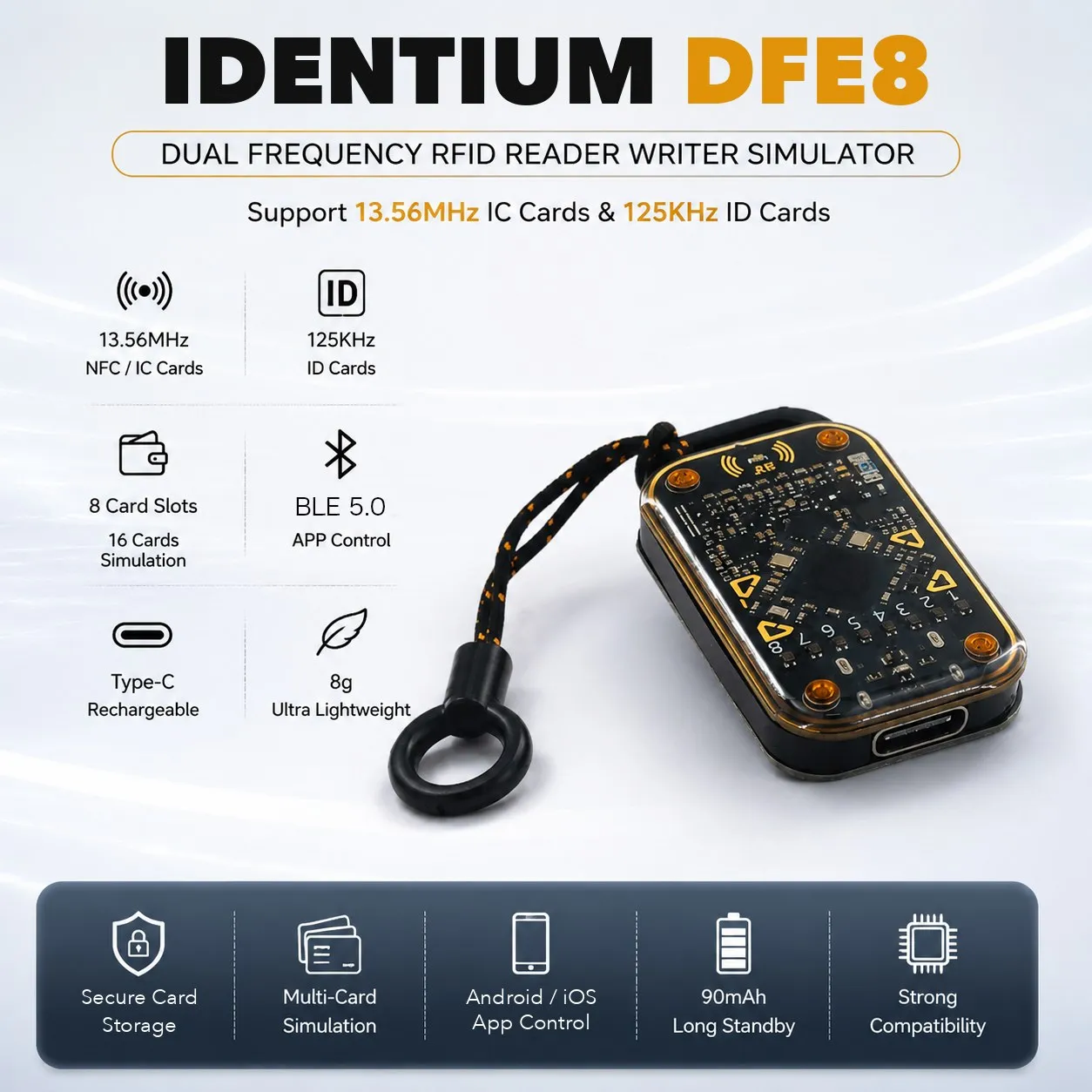
IDTS-DFE8
Dual-Frequency RFID Reader, Writer & Card Emulator IDTS-DFE8 (125 kHz + 13.56 MHz)
₹7,515 + GST
Per piece
RFID Card Attendance Terminal, 125 kHz / 13.56 MHz, TCP/IP + Wi-Fi
Price on request
Per piece