
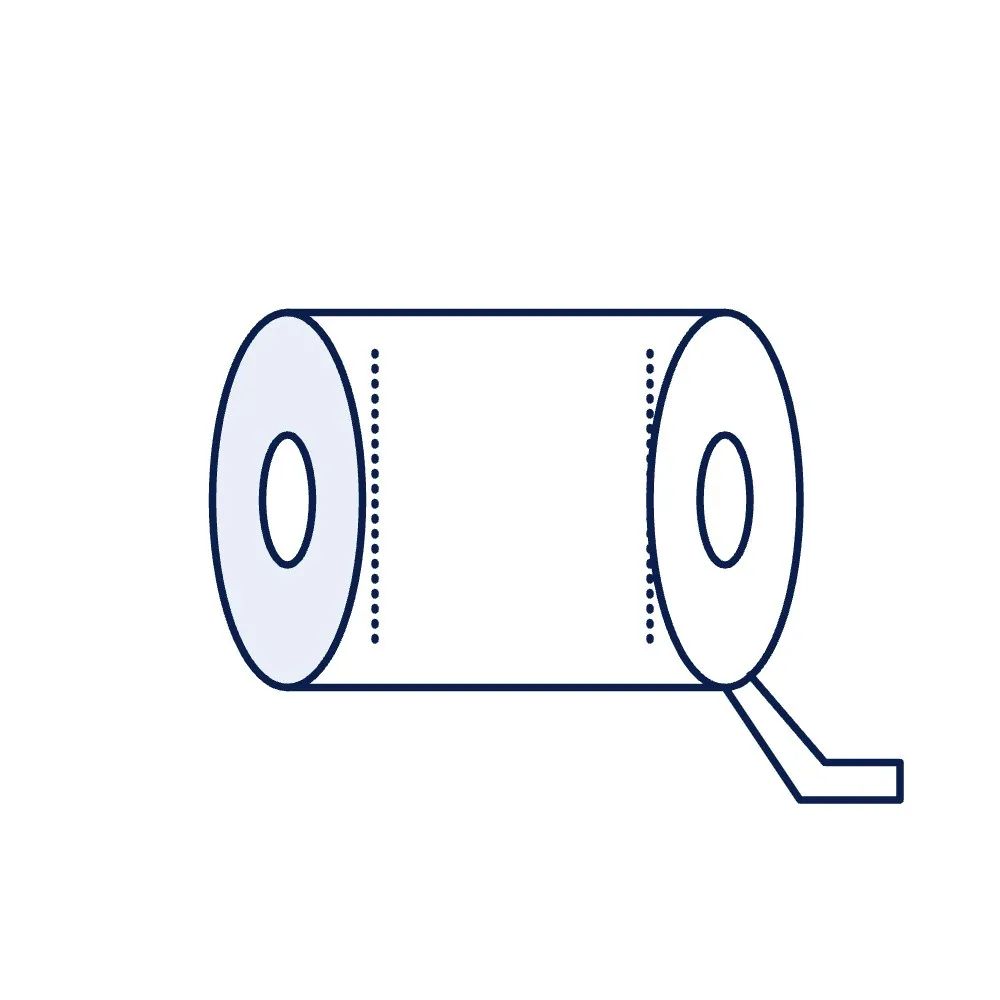
Thermal-Transfer Ribbon, Resin, 110 mm × 300 m, for Synthetic RFID Labels
A resin thermal-transfer ribbon, 110 mm wide and 300 m long, for printing on PET, PP and other synthetic RFID labels where the print must resist smudging, solvents, heat and outdoor exposure. The durable grade for asset, on-metal and chemical-drum labels.
Price on request
Min. order 1 pieceThe final price for your quantity is confirmed in the quote
- 7-day replacement · 1-year warranty against manufacturing defects
- Blue Dart next-day delivery
Key features
- Resin grade for PET, PP and other synthetic label facestocks
- Print resists smudging, solvents, oil and heat, typical for the class
- 110 mm × 300 m: covers the 104 mm print width of a 4-inch printer
- Core size and ink side matched to your printer
- For 4-inch printers such as the iX4R; other printers, including the IT4RL, confirmed at order
Overview
When resin is the right grade
Paper labels take a wax or wax-resin ribbon, but synthetic labels made of PET or PP have a smooth face that wax does not bond to well. A resin ribbon melts a tougher ink that keys to synthetic facestocks and then resists the things that destroy a label in service: rubbing, solvents, oil, heat and weather. It is the grade for the labels on assets, machines, chemical drums and anything stored outdoors or in a cold store, and for the facestock of on-metal labels. The wax-resin ribbon covers the paper labels.
Printer and label matching
At 110 mm wide the ribbon covers the 104 mm (4-inch) print width of the iX4R industrial printer; for the IT4RL desktop and other RFID printers, the print method and maximum ribbon width are confirmed before quoting. Resin ribbons usually need a higher print-head temperature setting than wax; the printer manual gives the darkness range. Core diameter and ink side are confirmed against your printer model when you order. For the labels themselves, see the synthetic options under UHF labels and inlays and the on-metal labels.
Ordering
Ribbons are quoted per roll from one unit. Request a quote with the printer model and the label material, and we confirm the grade and wind. Running costs are covered in the RFID printer price guide; the other consumables are under RFID accessories.
Where to use the Thermal-Transfer Ribbon, Resin, 110 mm × 300 m, for Synthetic RFID Labels
- Asset labels
- On-metal label facestocks
- Chemical and drum labels
- Outdoor and cold-store labels
Specifications
Datasheet (PDF)| Type | Resin thermal-transfer ribbon |
|---|---|
| Width | 110 mm |
| Length | 300 m |
| Colour | Black (other colours on request) |
| Core | 1 inch (25.4 mm), typical for the class; confirmed against your printer |
| Ink side | Coated side in or out, confirmed against your printer |
| Suits | PET, PP, polyimide and other synthetic facestocks |
| Durability | Resists smudging, solvents, oil and heat, typical for the class |
| Printers | 4-inch (104 mm print width) thermal-transfer RFID printers such as the iX4R; other models, including the IT4RL, confirmed at order |
Frequently asked questions
Can I use a resin ribbon on paper labels?
Does the ribbon make the label itself more durable?
Which ribbon do the on-metal labels need?
Related products
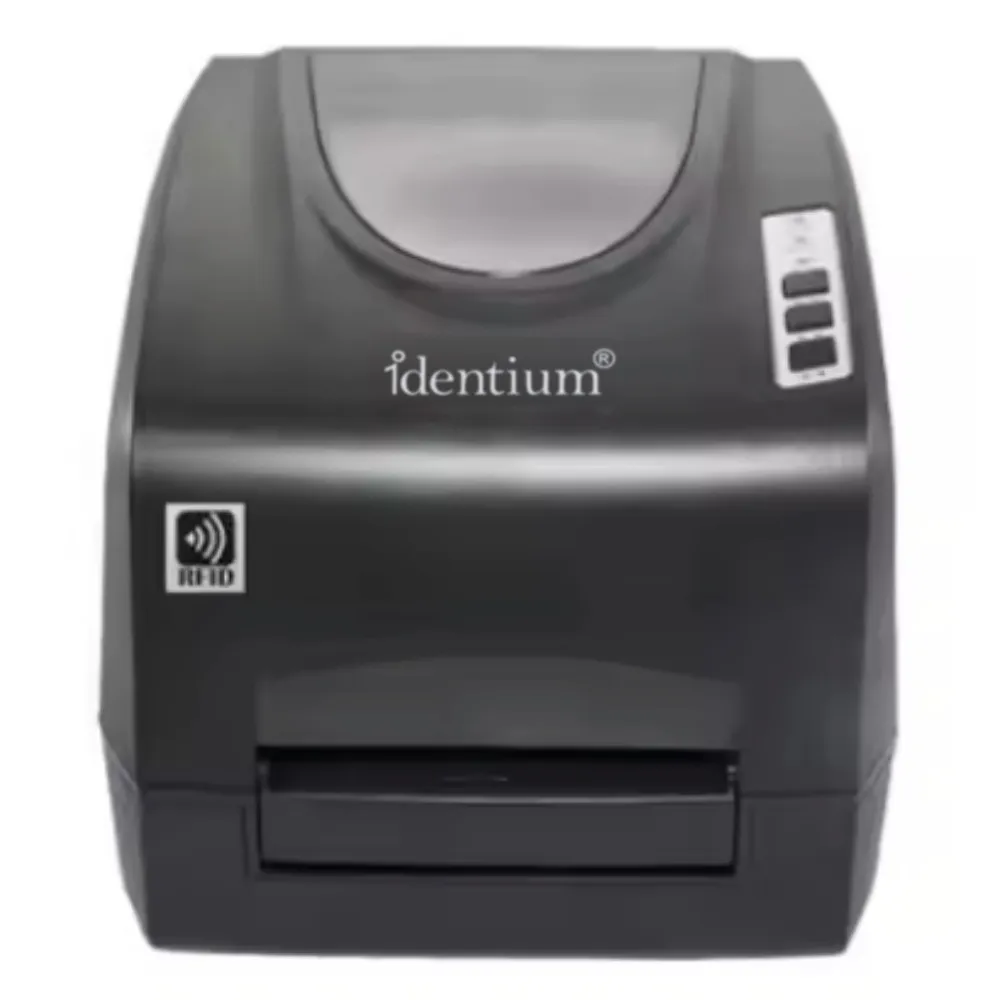
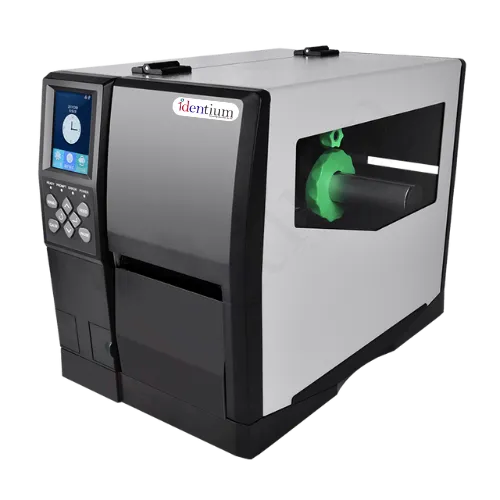

Thermal-Transfer Ribbon, Wax-Resin, 110 mm × 300 m, for RFID Label Printers
Price on request
Per piece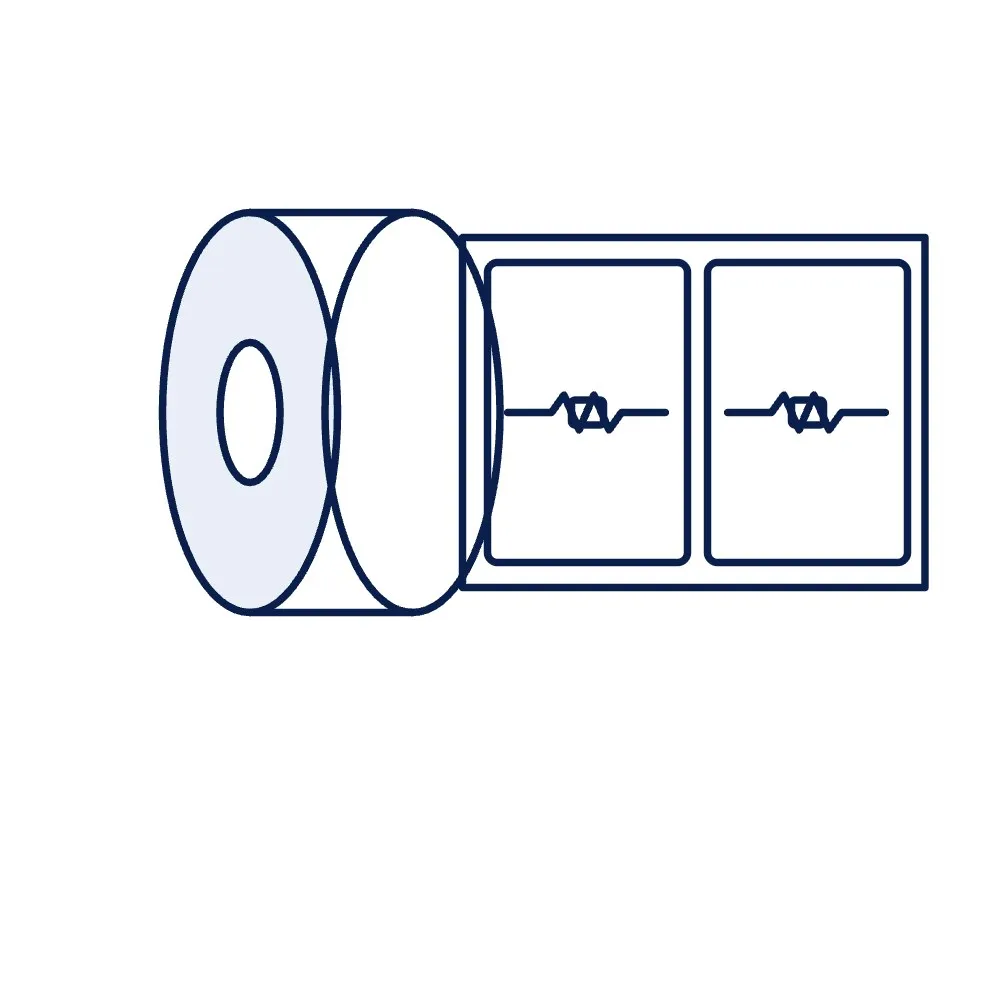
Blank UHF RFID Label Roll, 100 × 150 mm (4 × 6 in), Shipping Size
Price on request
Min. order 500 pcs
Blank UHF RFID Label Roll, 100 × 50 mm (4 × 2 in)
Price on request
Min. order 500 pcs
Spare Battery for CX1500N UHF Handheld Reader, 10,000 mAh
Price on request
Per piece
UHF RFID Antenna Cable, N Male to SMA Male, 10 m (LMR-400 Class, 50 Ω)
Price on request
Per piece
RP-SMA to SMA Adapter for RFID Readers and Antennas
Price on request
Per piece