Skip to content
India RFID Store

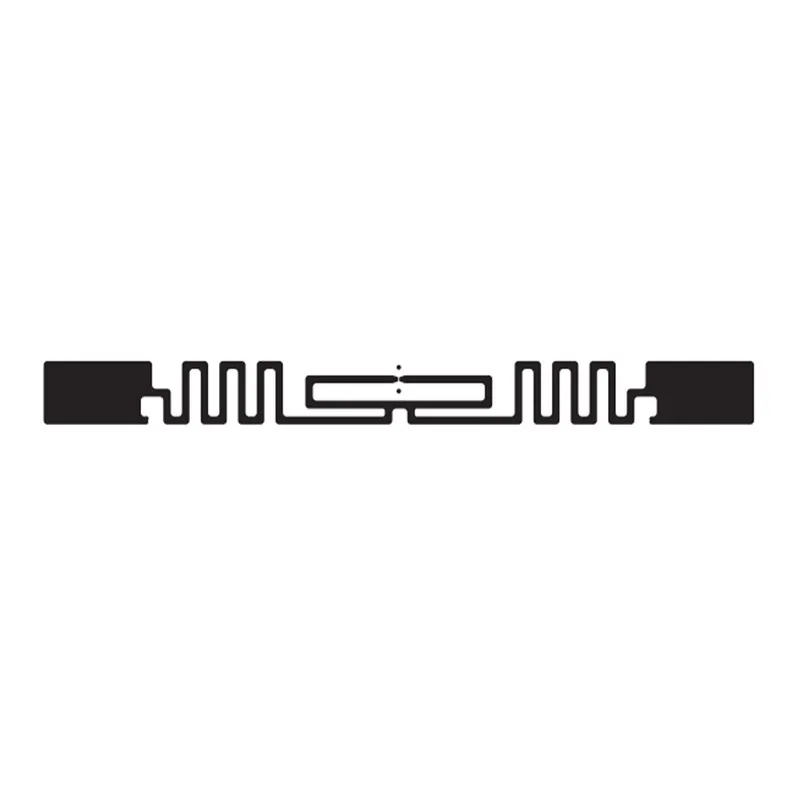
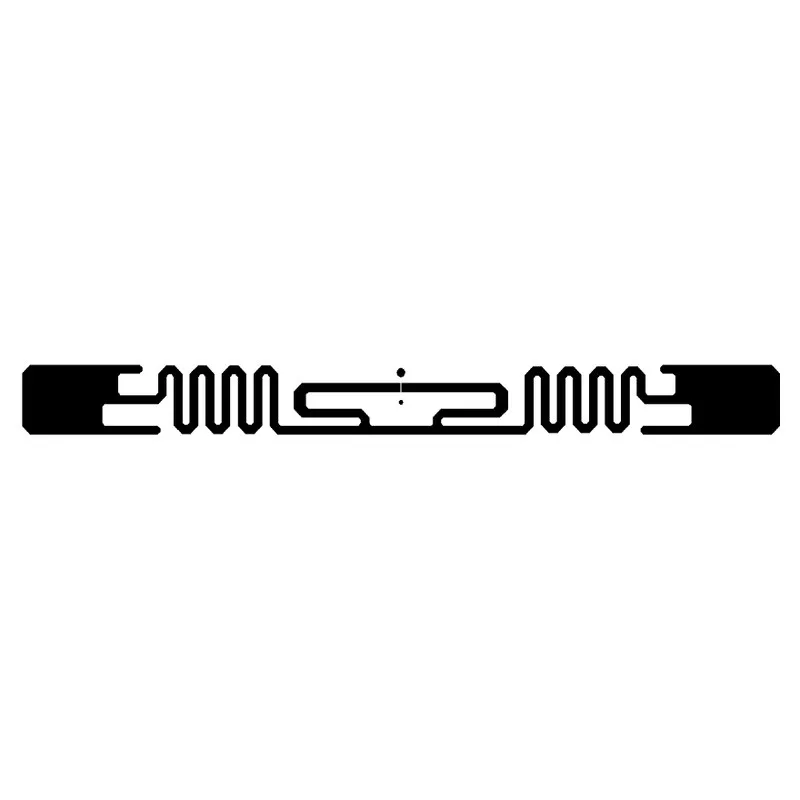
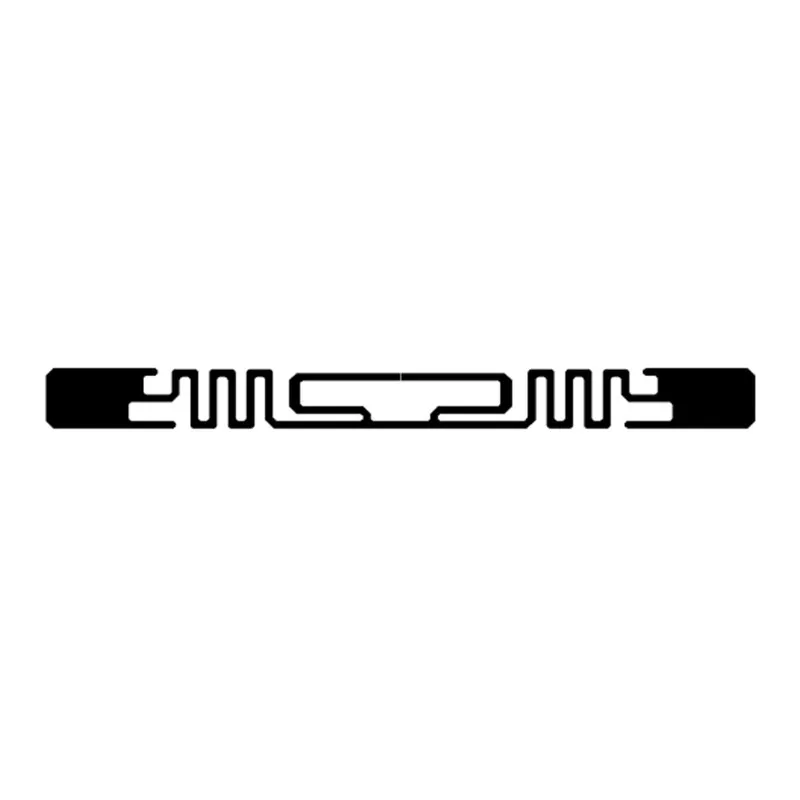
UHF RFID Warehouse Label ID-9508-71GB
Model ID-9508-71GBBrand IdentiumAvailability In Stock

UHF RFID Warehouse Label ID-9508-71GB

A printable UHF RFID label for warehouse pallets, cases and totes, read at dock-door portals and with handhelds at up to 6 m. Prints and encodes on standard UHF RFID label printers.

Model:
ID-9508-71GB
Brand:
Identium
Protocol:
EPC Gen2 / ISO 18000-6C
Frequency:
860–960 MHz (covers India's 865–868 MHz band)
Read range:
Up to 6 m (depends on antenna and environment)
Datasheet:
PDF · 75 KB
Listing updated:

₹7

per piece + 18% GST

Min. order 500 piecesThe final price for your quantity is confirmed in the quote

  • 7-day replacement · 1-year warranty against manufacturing defects
  • Blue Dart next-day delivery
  • Samples ₹250 (1–2 pcs, incl. shipping) · request a sample of this label

Sold by India RFID Store, the online catalogue of Identium Tech Solutions Pvt Ltd, an RFID manufacturer in New Delhi, India, in business since 2010.

Key features

  • Printable UHF smart label for pallets, cases and totes
  • Reads up to 6 m, depending on antenna and environment
  • EPC Gen2 / ISO 18000-6C, works with standard UHF readers
  • Barcode, text and EPC written in one print pass
  • Thin, flexible substrate; RoHS-compliant materials (maker's declaration)

Overview

UHF RFID warehouse label for pallets and cases

The 9508-71GB is a printable UHF label for the moments when stock moves in bulk: a forklift carrying a pallet through a dock door, a stack of cases arriving at a cross-dock, or a tote coming back to a dark store. A gate reader at the door records every tagged unit in one pass, and the same label carries the human-readable ID and barcode for anyone without a reader.

Placement on pallets and cases

  1. Pallets. Apply labels on two adjacent faces at the same height, so the portal sees one whichever way the forklift enters.
  2. Cases. Use a broad, flat face, clear of strapping, staples and foil.
  3. Encode as you print. Write the pallet or case EPC while the barcode prints, and check each label with a reader before it leaves packing.
  4. Tune the portal. Set reader power so the next pallet in the queue is not read as well.

What to pair it with

Dock doors need a fixed reader with antennas, such as an RFID gate reader; cycle counts in racking are done with a UHF handheld. The gate, portal and tunnel reader guide covers antenna layout at the dock.

Where the ID-9508-71GB is used

  • Pallet licence plates
  • Dock-door receiving
  • Case-level despatch
  • Cross-dock sorting
  • Returnable crates
  • Dark store totes

Specifications

Datasheet (PDF)
ProtocolEPC Gen2 / ISO 18000-6C
Frequency860–960 MHz (covers India's 865–868 MHz band)
Read rangeUp to 6 m (depends on antenna and environment)
MaterialPrintable face on a flexible, thin substrate; RoHS-compliant materials (maker's declaration)
Compatible withStandard UHF RFID readers and RFID label printers

Frequently asked questions

What is the 9508-71GB used for?
Warehouse and logistics tagging: pallet licence plates, case labels, totes and returnable crates. It reads at up to 6 m depending on antenna and environment, so stock can be received, moved and counted without scanning each barcode by hand.
Which readers and printers work with it?
Any standard EPC Gen2 UHF equipment: handhelds, fixed dock-door readers and UHF RFID label printers. An existing UHF RFID label printer can print the barcode and text and encode the chip in the same pass.
Do I need a licence to use it in India?
No. The label responds across 860–960 MHz, which includes India's 865–868 MHz band, and readers working in that band within the notified power limits are licence-exempt under G.S.R. 853(E).
Will it read on pallets of liquids or metal goods?
Range drops near liquids and metal. Put the label on the outer face of the load, away from the contents, and test a loaded pallet at your own door before rollout. Metal items themselves need on-metal tags.

Your quote list

Saved on this device. No payment is taken online.

Your list is empty. Use “Add to quote” on any product, then send one request for everything.