
RFID Desktop Reader Evaluation Kit – 103 UHF Reader-Writer + Sample Tags
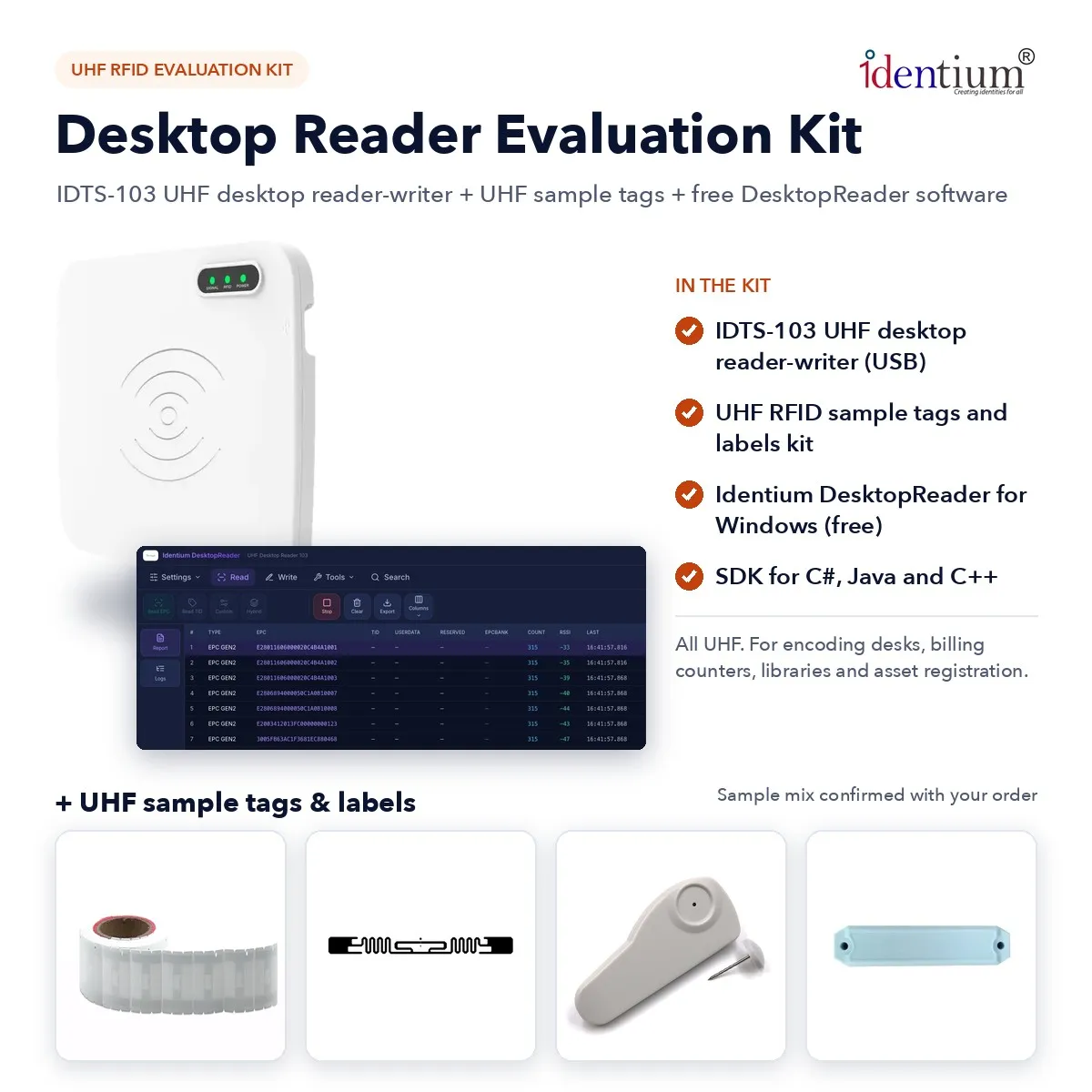
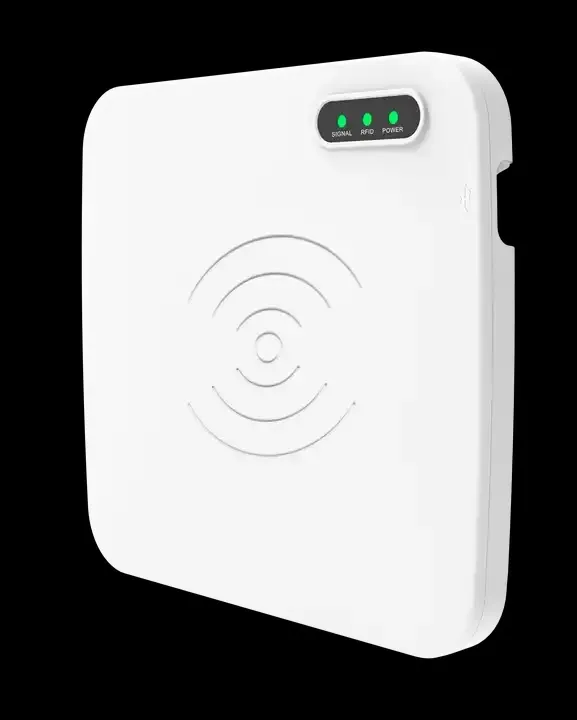
An RFID encoding kit for label desks, billing counters and library issue desks: Identium's 103 USB desktop reader-writer, which needs no driver or power adapter, plus UHF sample tags and Identium DesktopReader for Windows, free with no licence fee.
₹15,999
per piece + 18% GST
₹18,878.82 incl. GST
Minimum order: 1 piece · buy online and pay by NEFT or UPI, or request a quote
View datasheet PDF · 241 KB- 7-day replacement · 1-year warranty against manufacturing defects
- Blue Dart next-day delivery
- Buy online, pay by NEFT or UPI · in-stock items are dispatched the same day after payment · shipping ₹300 per kg + GST
Key features
- 103 USB reader-writer: no driver or power adapter, read range up to 30 cm, adjustable
- Identium DesktopReader for Windows is free, with no licence fee
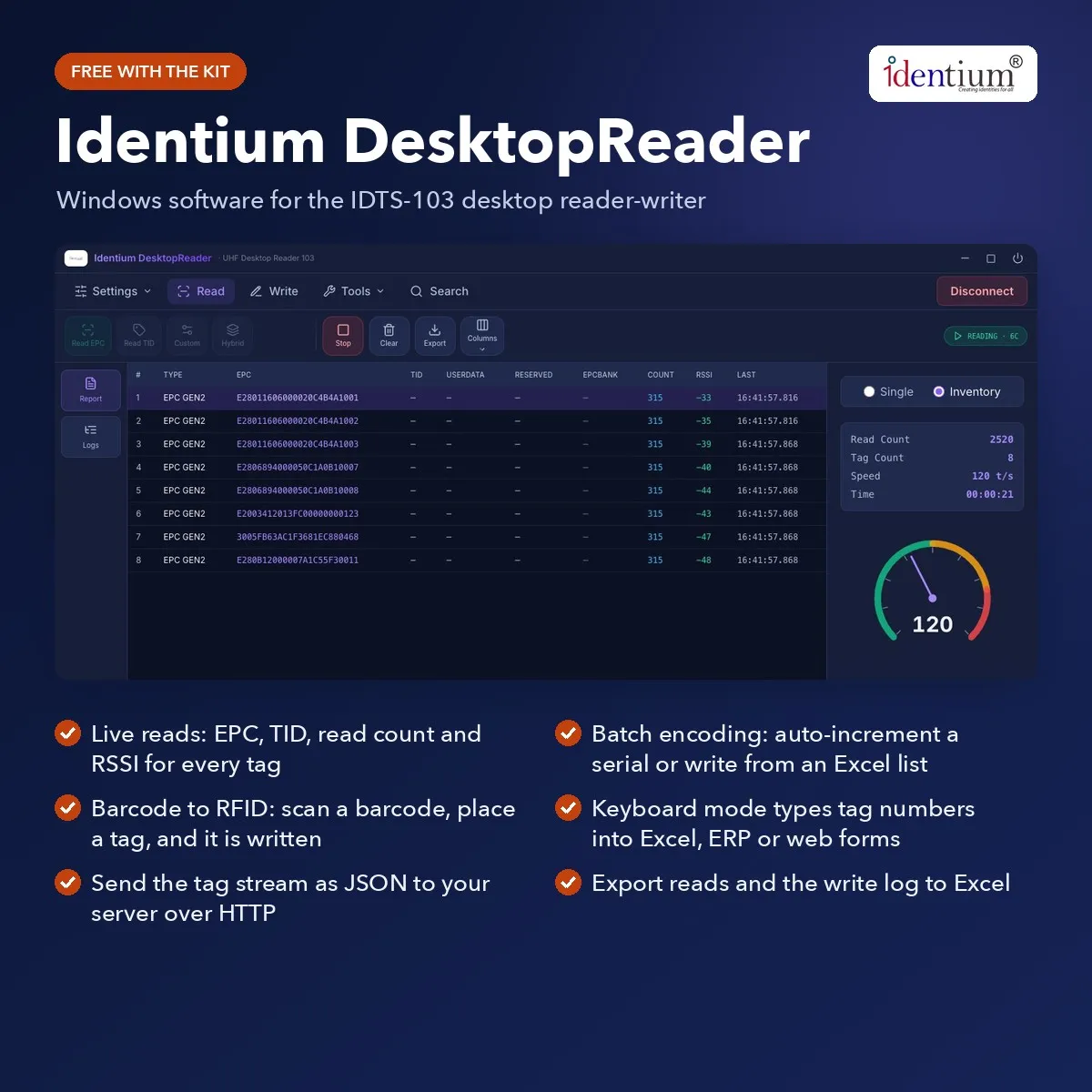
- Batch-encode an auto-increment serial or an Excel list, verifying every write
- Sample kit: labels and tags of the type you will encode; mix confirmed with your order
- Barcode to RFID: scan with your own barcode scanner; the next tag placed takes that code
- Keyboard mode types each read into Excel, an ERP screen or a web form; HTTP JSON as well
- Frequency
- UHF; region set in Identium DesktopReader; confirm the 865–868 MHz India band when ordering
- Protocol
- ISO 18000-6C (EPC Gen2), ISO 18000-6B
- Read range
- Up to 30 cm, adjustable
- Interface
- USB to a PC; serial or HID (keyboard) output, configurable; no driver required
Overview
A UHF RFID desktop reader kit for encoding and desk reads
Plenty of RFID work happens at a desk rather than a doorway. Someone has to write numbers into labels before they go on books, files, equipment or cartons, and a counter has to read a tag into the screen staff already use. This kit lets you try both jobs on one Windows PC: the 103 plugs in with no driver to install and no adapter to find, and Identium DesktopReader drives it with no licence fee.
What to try in Identium DesktopReader
- Encode a run of labels. Set a starting serial in decimal or hex and each tag you place takes the next number, or write a list straight from an Excel sheet. Verify after write flags a failed write, the app pauses on an already-written tag, and the change log goes back to Excel as your record.
- Turn barcodes into RFID. Scan the barcode an item already carries with your existing barcode scanner, and the next tag on the pad is written with that code, so a barcoded range can move to RFID without renumbering.
- Read into your own screen. Switch on keyboard mode, click into a field in Excel, your ERP or a web form, and every tag read is typed there, even after DesktopReader is closed.
- Send reads to a server. Point the HTTP output at a test address and look at the JSON your developers would receive.
- Keep the zone tight. Turn the power down until only the tag on the pad answers, and watch the live table of EPC, TID, read count and RSSI to confirm it.
Once numbers are written, lock a sample tag with a password, or kill one, to see how finished tags behave.
Desk work the 103 suits, and what it will not do
It fits work done at one fixed point: an encoding desk, a billing counter, a library issue desk, an asset registration table. The reach is short and adjustable up to 30 cm, so the power setting above is how you keep the next item on a crowded desk out of the read, and the reader serves the single PC it is plugged into. DesktopReader is a Windows application, so plan the trial on a Windows machine.
It will not count a shelf or a room. For walking a store with a reader in hand, the CX1000 handheld kit reads at up to 6 m. To see keyboard output in more depth, read the guide to RFID scanning into Excel, and for the reader's own specifications, see the 103 desktop reader page.
Typical applications
- Label encoding desks
- Billing counter reads
- Library issue desks
- Asset registration
- Barcode-to-RFID relabelling
- Store-room issue points
- Card and tag issuing
Specifications
Datasheet (PDF)| Kit contents | 103 UHF desktop reader-writer (IDTS-103 / 103UDR), sample kit of UHF RFID labels/tags, Identium DesktopReader software for Windows |
|---|---|
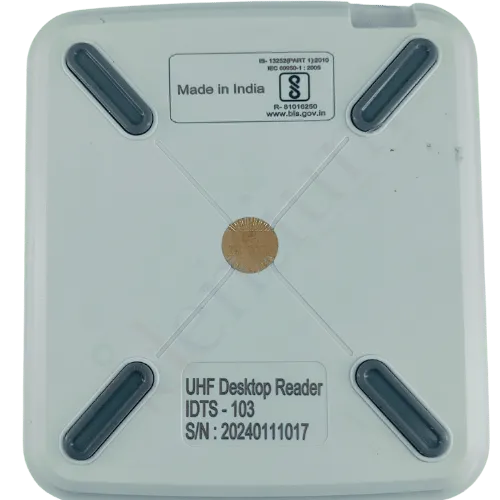
| Reader | IDTS-103 (103UDR) desktop UHF RFID reader-writer for a PC |
| Sample kit | UHF RFID labels/tags of the kind you will encode; sample mix confirmed with your order |
| Free software | Identium DesktopReader for Windows (installer or portable); no licence fee |
| Software features | USB-HID connection with no driver; reader serial number, firmware and capabilities; live read table (EPC, TID, User and Reserved banks, read count, RSSI, time) with a tags-per-second meter; export to Excel or text; manual write of EPC, User or Reserved banks with verify; lock or kill with a password; batch write (auto-increment decimal or hex serial, fixed value, update from Excel, current → new EPC map from Excel, pause on an already-written tag, verify after write, allowed list, change log to Excel); barcode → RFID; power, region, frequency hopping and Gen2 session settings; keyboard mode; HTTP output as JSON |
| Frequency | UHF; region set in Identium DesktopReader; confirm the 865–868 MHz India band when ordering |
| Protocol | ISO 18000-6C (EPC Gen2), ISO 18000-6B |
| Tag operations | Multi-tag reading and writing |
| Read range | Up to 30 cm, adjustable |
| Interface | USB to a PC; serial or HID (keyboard) output, configurable; no driver required |
| Power | No separate power supply needed |
| SDK | SDK for C#, Java and C++ with demo software; all-in-one 103 SDK bundle on the Resource Hub |
| Compliance | BIS Approved |
Software, SDK and manuals
3 downloads for the 103UDR-EVK.
Identium Desktop Reader — Installer Desktop software
Windows · Setup .exe · 91.0 MBDownloadIdentium Desktop Reader — Portable Desktop software
Windows · Portable .exe · 90.8 MBDownload103 — All-in-One SDK SDK
Universal SDK · 43.0 MBDownload
Frequently asked questions
Which tag memory can we read and write in DesktopReader?
Can our own software control the 103 directly?
Does Identium DesktopReader run on a Mac?
Can a label be numbered twice during batch encoding?
Which sample labels suit an encoding desk trial?
Related products
All RFID Evaluation Kits →_TtSwq.webp)
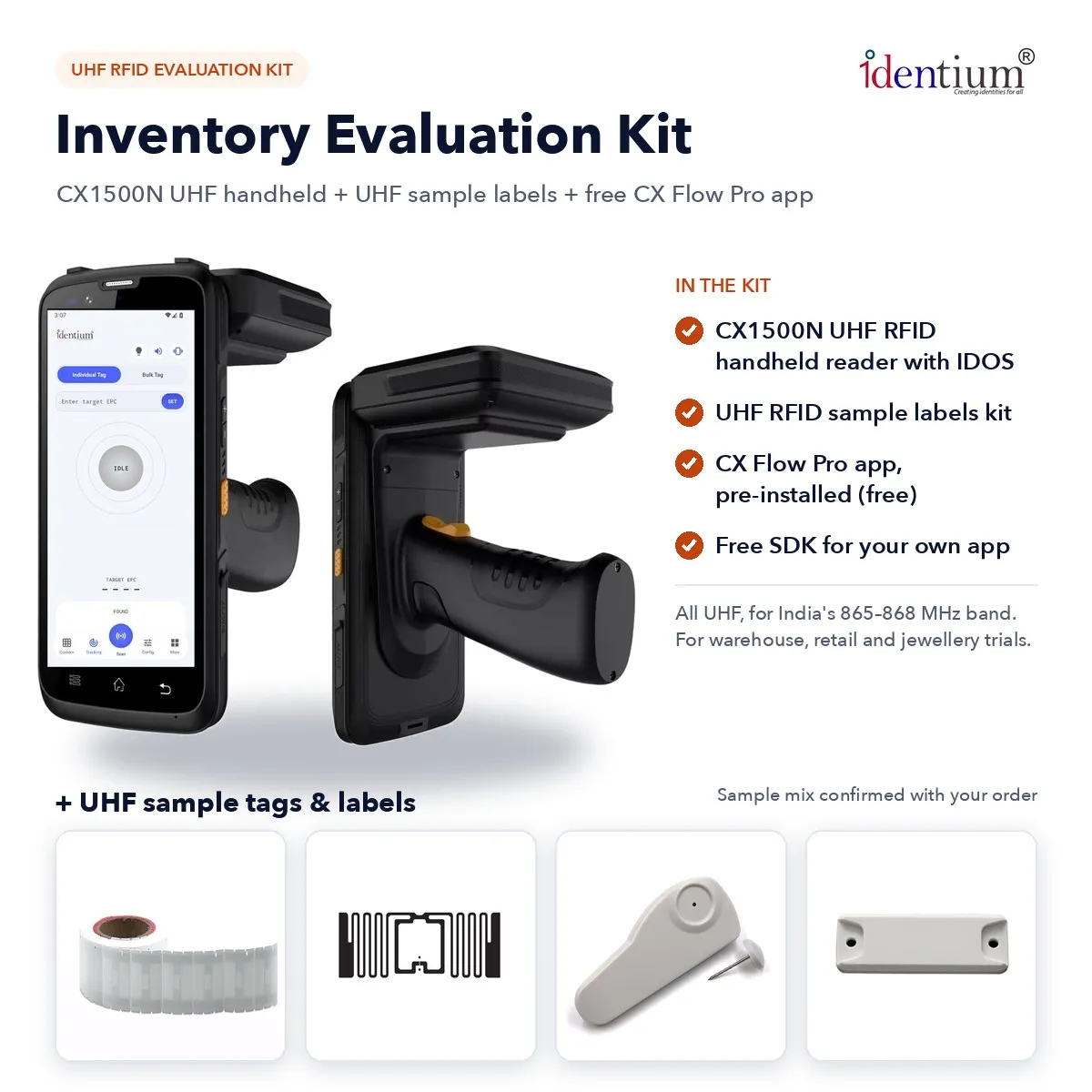
CX1500N-EVK
RFID Inventory Evaluation Kit – CX1500N UHF Handheld + Sample Labels
₹59,775 + GST
Per piece
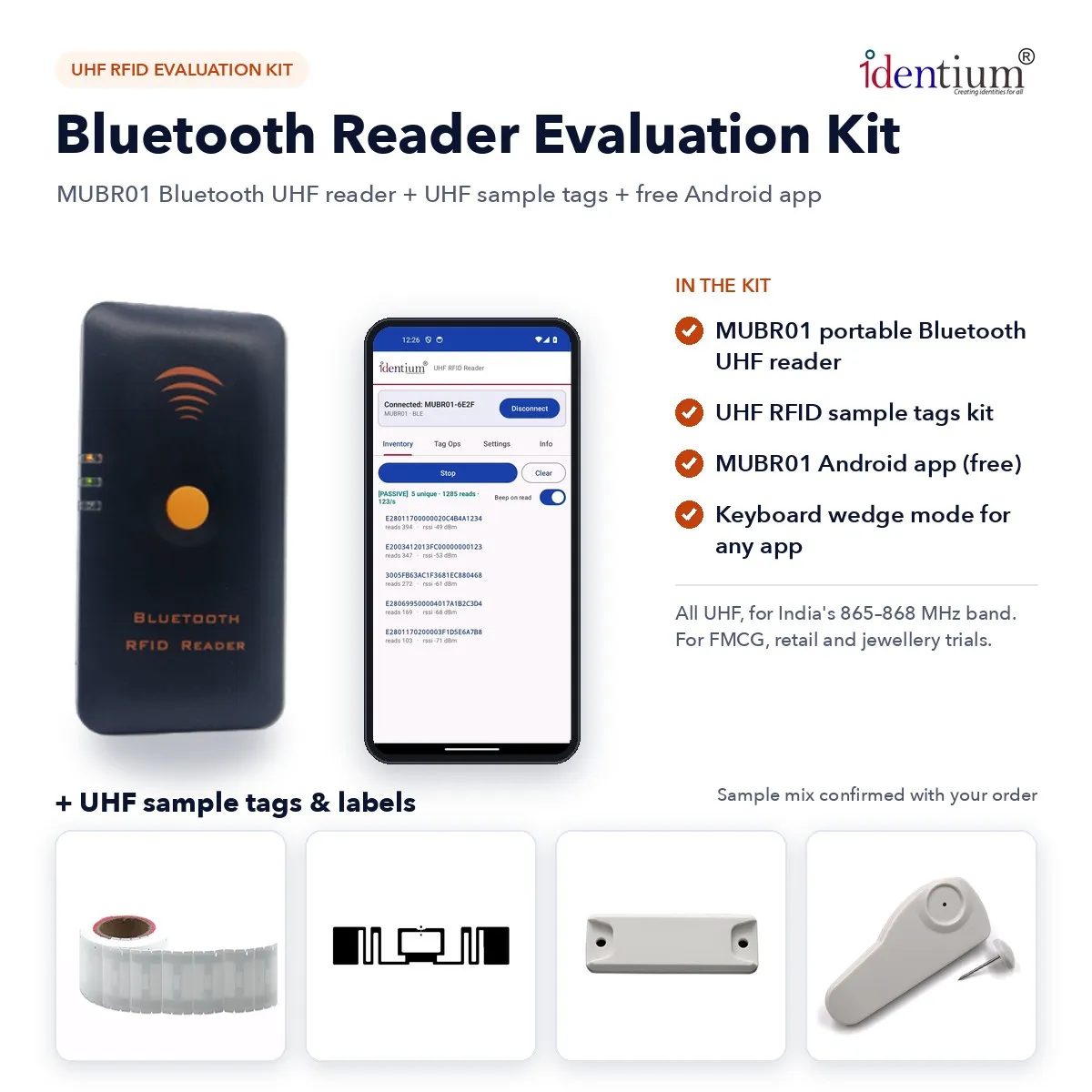
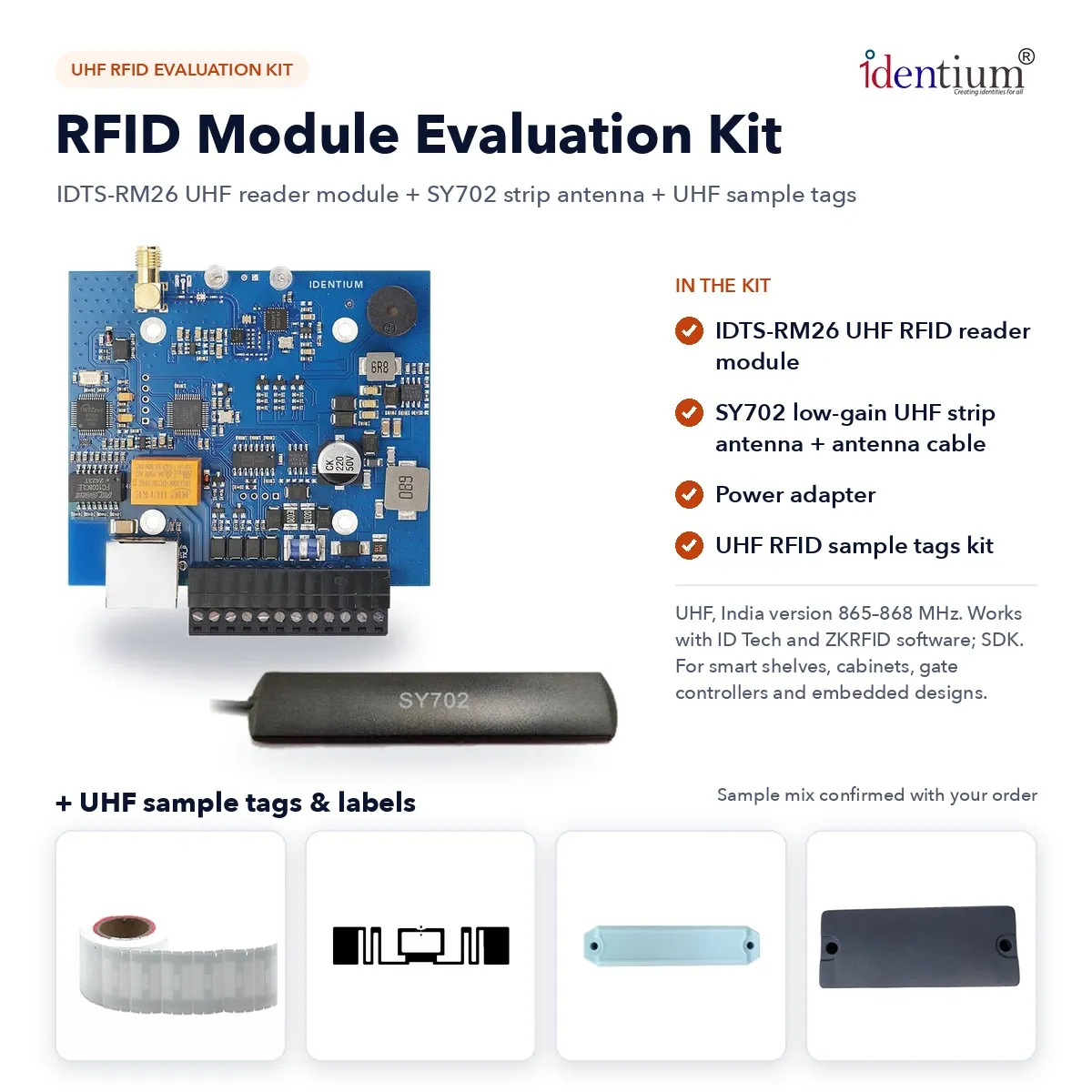
RM26-EVK
RFID Module Evaluation Kit – RM26 UHF Reader Module + SY702 Antenna + Tags
₹9,999 + GST
Per piece