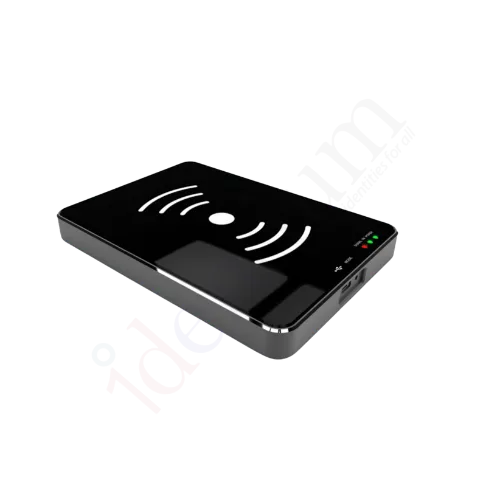
UHF RFID Desktop Reader 120L for Bulk Excel Encoding
A USB UHF RFID desktop reader-writer for issuing tags in batches: import your data from an Excel sheet with the free utility software and encode cards or labels one after another at a single PC.
₹28,000
per piece + 18% GST
₹33,040 incl. GST
Minimum order: 1 piece · buy online and pay by NEFT or UPI, or request a quote
View datasheet PDF · 164 KB- 7-day replacement · 1-year warranty against manufacturing defects
- Blue Dart next-day delivery
- Buy online, pay by NEFT or UPI · in-stock items are dispatched the same day after payment · shipping ₹300 per kg + GST
Key features
- Free utility software imports data from Excel for bulk tag encoding
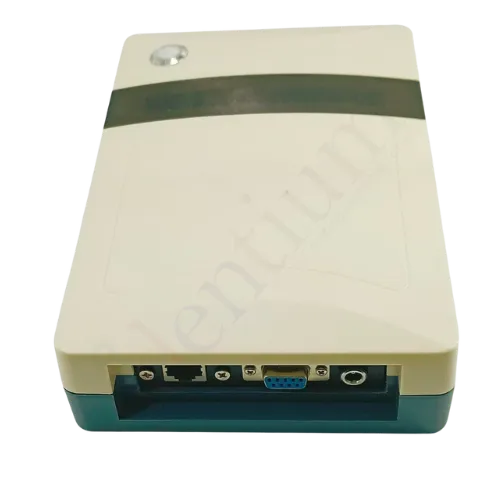
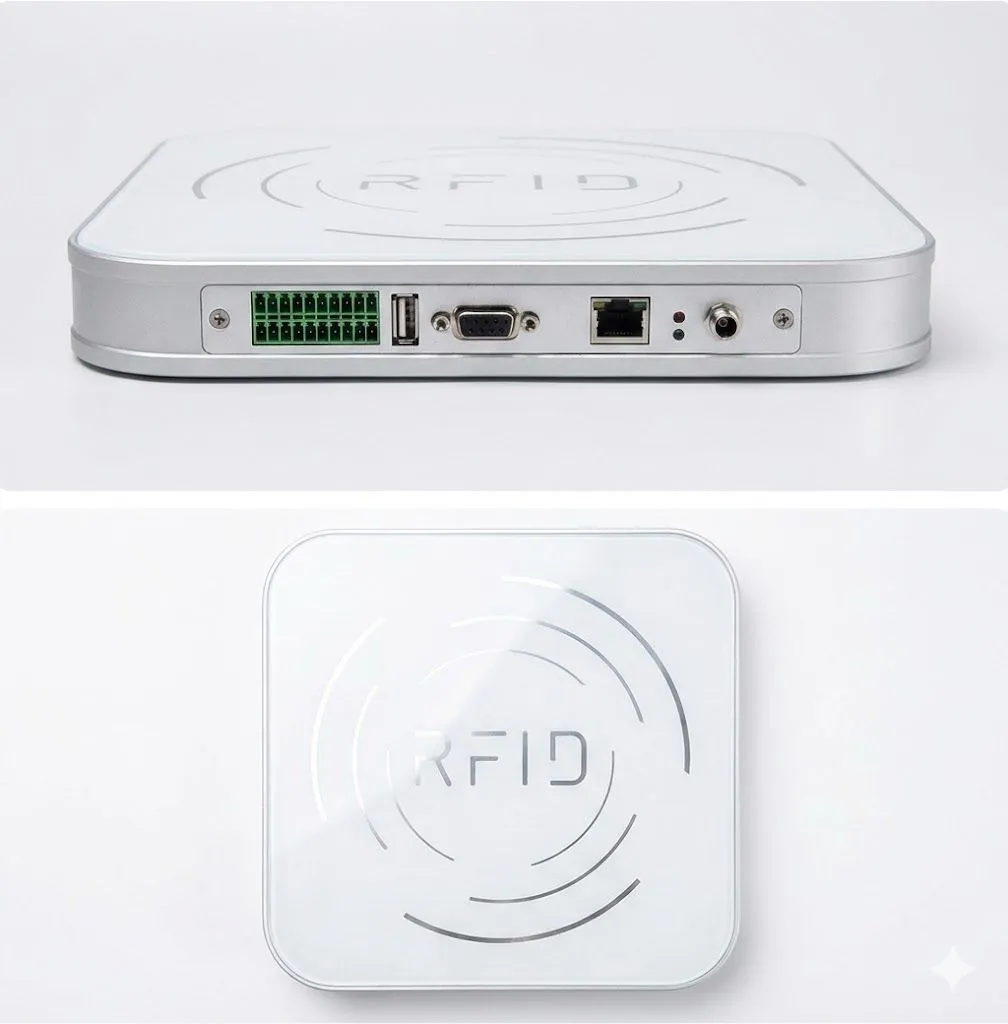
- USB plug and play connection to a PC
- HID keyboard output mode plus a protocol mode for software control
- Built-in circularly polarised antenna for easy reading and writing
- Adjustable RF output power and data filtering to avoid unwanted reads
- Supports online updates
- Interface
- USB, plug and play
Overview
What the 120L UHF RFID desktop reader is built for
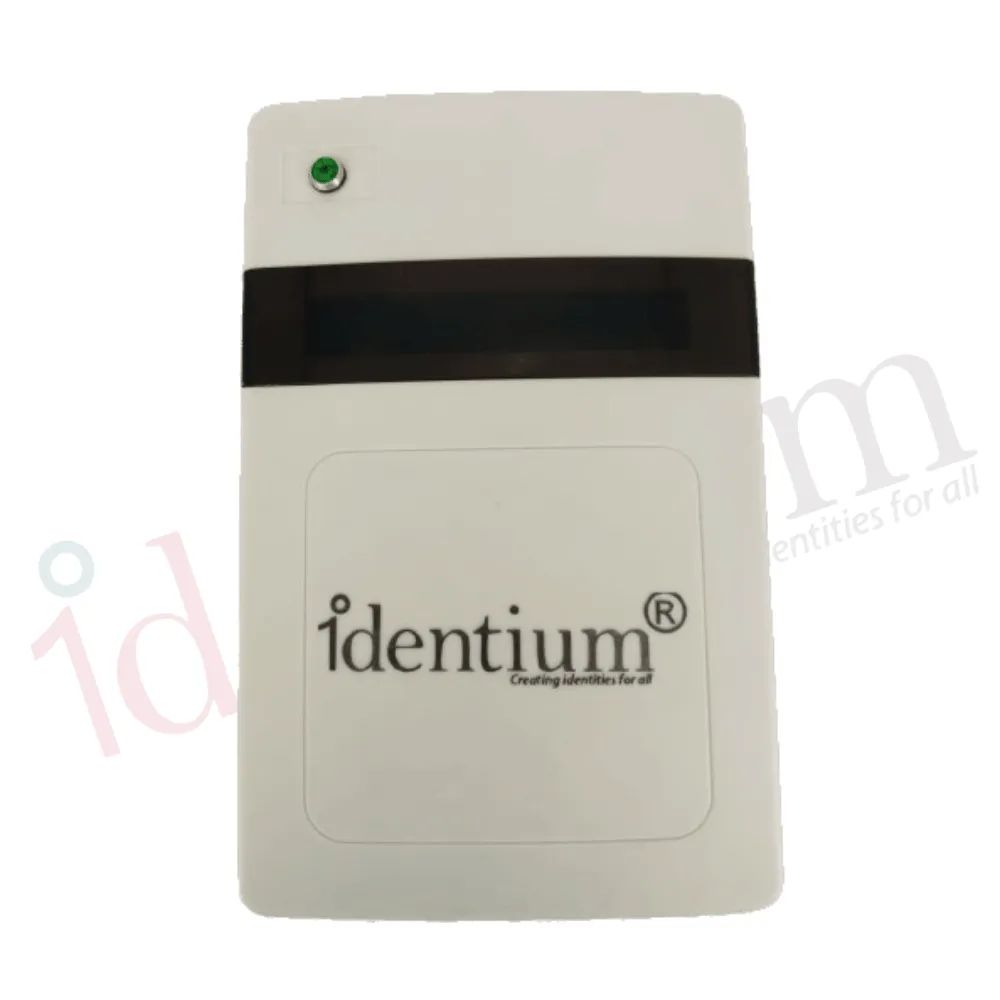
The 120L is a UHF RFID reader-writer that sits next to a PC and handles the tag placed on top of it. Most desktop readers are bought simply to read tag numbers; the 120L is set up for issuing work. It comes with free utility software that imports data from an Excel sheet and writes it into tags in sequence, so a batch of employee cards, asset labels or file tags can be encoded at one desk.
Bulk encoding from Excel, step by step
A typical encoding session with the utility looks like this:
- Prepare the sheet. Put one row per tag in Excel, for example the EPC or ID number each card should carry.
- Import it. Load the sheet into the utility software supplied with the reader.
- Encode. Place a blank tag on the reader, write the current row, then swap in the next tag.
- Check. Read the tag back to confirm the data before it is issued or applied.
If your tags need a structured EPC such as SGTIN-96, read our GS1 EPC encoding guide before you build the sheet.
Keyboard mode or protocol mode
In HID keyboard output mode the 120L behaves like a USB keyboard: present a tag and its number is typed into whichever window has the cursor, whether that is Excel, a browser form or billing software. Nothing has to be programmed. Our guide to scanning RFID tags into Excel shows the setup.
Protocol mode is for software teams who want to drive the reader with commands from their own application instead of receiving typed text.
Reading only the tag you mean to
UHF tags respond from a distance, which causes trouble on a desk where a pile of finished cards sits next to the reader. The RF output power of the 120L can be turned down until only the tag on the reader answers, and data filtering helps drop repeated or unwanted reads. Because the built-in antenna is circularly polarised, cards and labels do not need to be lined up in one exact orientation.
Where the 120L fits
It suits document management desks, card and pass issuing counters, retail cashier stations and access control enrolment points, anywhere tags are written or checked one at a time beside a computer. If you only need tag numbers typed into a PC and have no batch encoding to do, compare the other models in our UHF RFID desktop reader range.
Typical applications
- Card and pass issuing
- Label encoding desks
- Document management
- Retail cashier counters
- Access control enrolment
- Workstation tag checks
Specifications
Datasheet (PDF)| Type | UHF RFID desktop reader-writer |
|---|---|
| Interface | USB, plug and play |
| Output modes | HID keyboard output mode; protocol mode |
| Antenna | Built-in, circularly polarised |
| RF output power | Adjustable |
| Software | Free utility for bulk Excel import and encoding |
| Other features | Data filtering; online update support |
Frequently asked questions
Can the 120L encode RFID tags in bulk from Excel?
Do I need to write software to use the 120L?
Can the read range be reduced so nearby tags are not picked up?
Which tags can I use with the 120L?
Used in these RFID solutions
_TtSwq.webp)