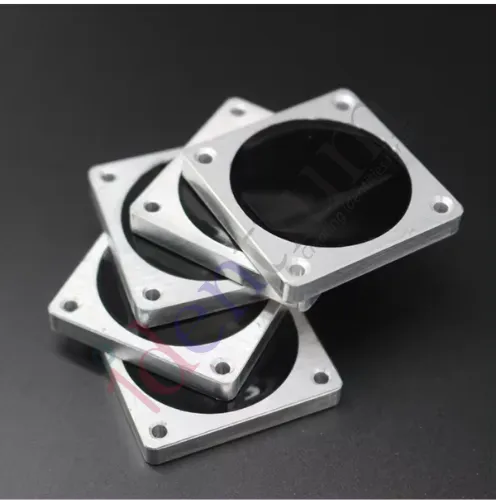
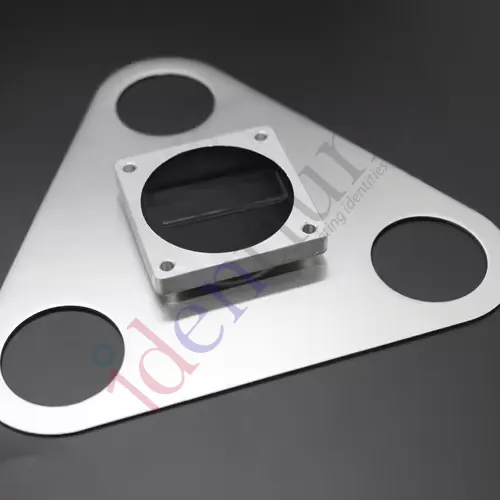
Stainless Steel UHF RFID Tag SteelSquare (35 × 35 mm)
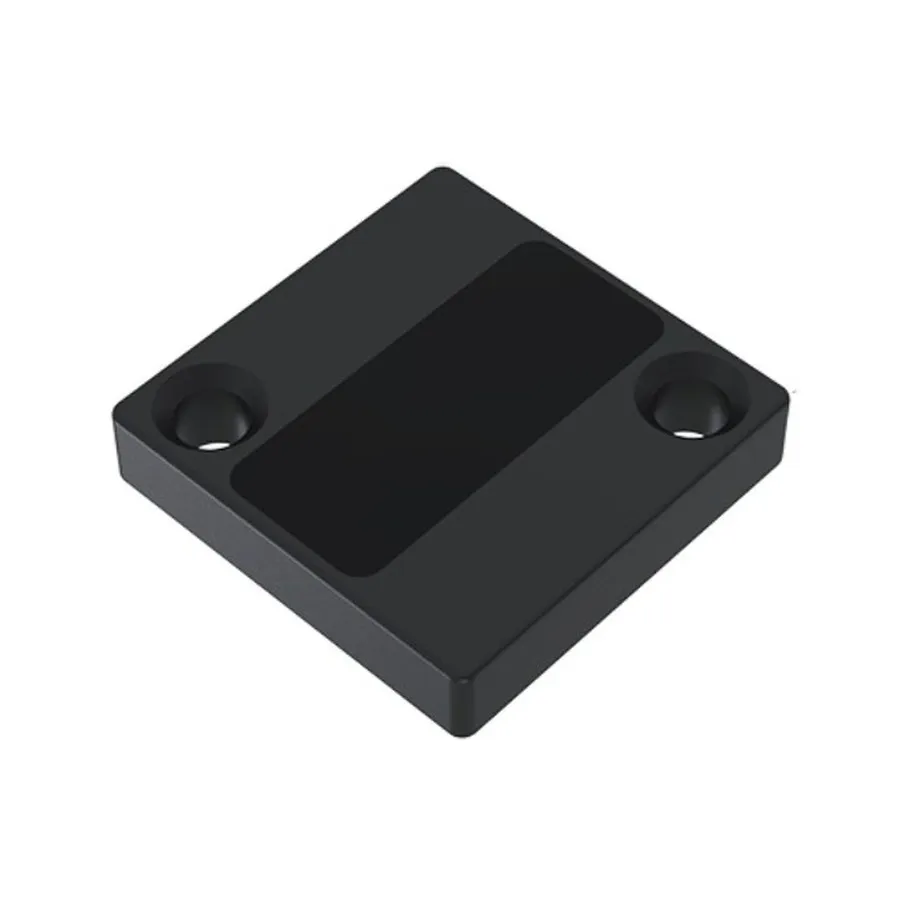
A 35 × 35 mm UHF RFID tag in a stainless steel housing with an epoxy face, for metal assets exposed to washdown, weather and heat. IP68 rated, ISO 18000-6C, tolerates up to +250 °C ambient.
₹650
per piece + 18% GST
Minimum order: 500 pieces · the final price for your quantity is confirmed in the quote
View datasheet PDF · 181 KB- 7-day replacement · 1-year warranty against manufacturing defects
- Blue Dart next-day delivery
- Samples ₹250 (1–2 pcs, incl. shipping) · request
Key features
- Stainless steel body with an industrial-grade epoxy resin surface
- IP68 sealed against dust and water
- Operating range −30 °C to +85 °C; tolerates up to +250 °C ambient
- ISO 18000-6C (EPC Gen2) UHF air protocol
- 35 × 35 × 5 mm, 16 g; fix with epoxy or through the rivet hole
- Protocol
- ISO 18000-6C
- Operating temperature
- −30 °C to +85 °C
- Ambient temperature
- −30 °C to +250 °C
Overview
What the SteelSquare UHF RFID tag is built for
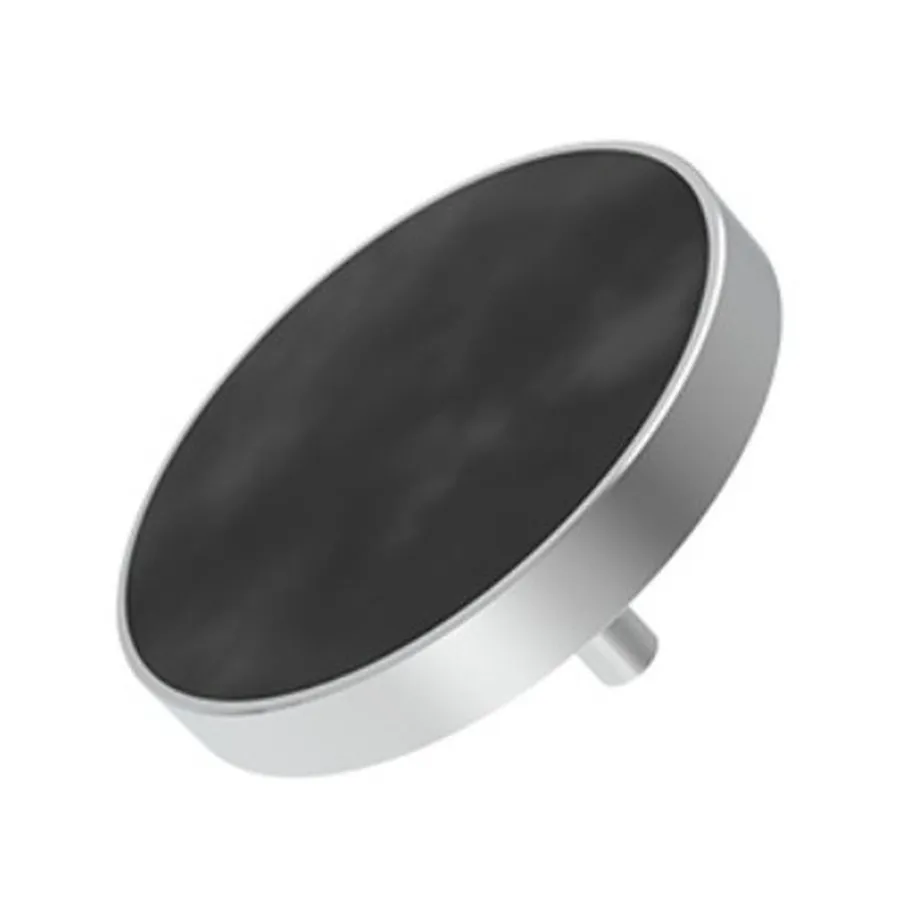
SteelSquare puts a UHF RFID tag inside a stainless steel housing with an industrial epoxy face. The result is a flat 35 × 35 × 5 mm square that can sit on a steel trolley, a die, a rack upright or a machine guard and take knocks, hosing down and outdoor weather. It is sealed to IP68 and uses the ISO 18000-6C (EPC Gen2) air protocol, so standard UHF readers on India’s 865–868 MHz band can read it.
Understanding the two temperature ratings
The datasheet quotes two figures. The operating range of −30 °C to +85 °C is where you should plan to read and write the tag. The ambient rating of up to +250 °C is the heat the tag is rated to be exposed to, for example an asset that passes through a hot process and is scanned once it has cooled.
If your process runs close to +250 °C, or combines heat with steam or chemicals, put a sample through the real cycle before tagging the whole fleet.
Square tag or bar tag?
A square face suits flat panels and broad surfaces with room for a 35 mm footprint. For narrow edges such as tool shanks or fixture rails, a slimmer bar-shaped tag like the Steelcode ceramic tag fits better. Our guide to choosing on-metal RFID tags walks through the trade-offs.
Typical applications
- Tools and dies
- Material handling trolleys
- Steel racking
- Plant machinery
- Outdoor metal assets
Specifications
Datasheet (PDF)| Protocol | ISO 18000-6C |
|---|---|
| Dimensions | 35 × 35 × 5 mm |
| Weight | 16 g |
| Material | Stainless steel body; industrial-grade epoxy resin surface |
| Colour | Silver and black (default) |
| Mounting | Industrial epoxy resin or rivet hole |
| Operating temperature | −30 °C to +85 °C |
| Ambient temperature | −30 °C to +250 °C |
| IP rating | IP68 |
| Place of origin | India |