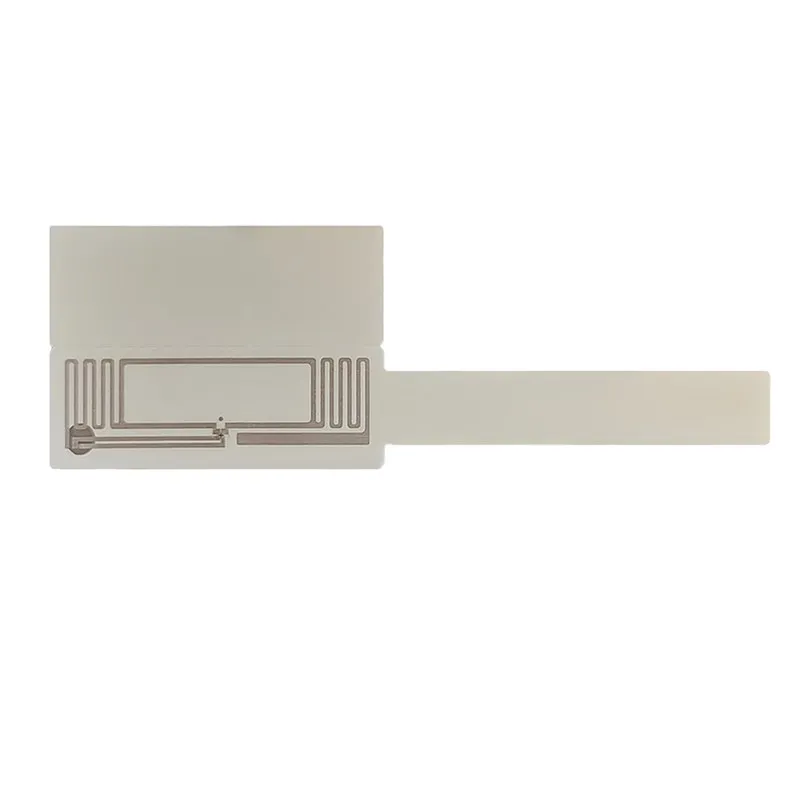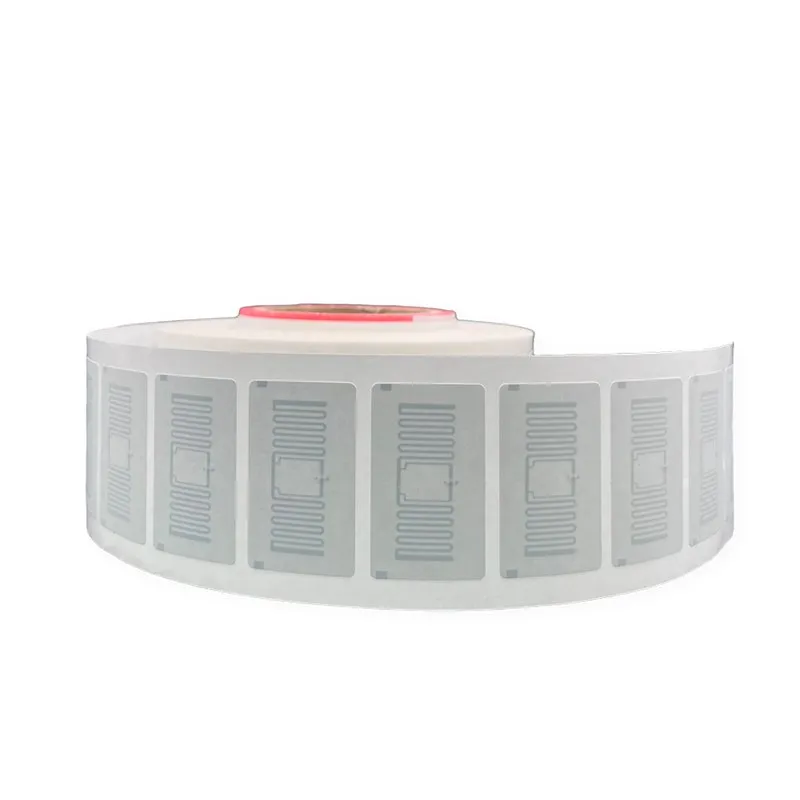
UHF RFID Test Tube Tag ID-1540-U8 (15 × 40 mm, UCODE 8)
A 15 × 40 mm UHF RFID label on the NXP UCODE 8 chip, sized for test tubes, vials and small sample containers so labs can read a rack of samples instead of scanning barcodes one by one.
₹13
per piece + 18% GST
Minimum order: 500 pieces · the final price for your quantity is confirmed in the quote
View datasheet PDF · 179 KB- 7-day replacement · 1-year warranty against manufacturing defects
- Blue Dart next-day delivery
- Samples ₹250 (1–2 pcs, incl. shipping) · request
Key features
- Sized for test tubes, vials and small containers
- NXP UCODE 8 chip with 128-bit EPC
- EPC Class 1 Gen2 / ISO 18000-6C at 860–960 MHz
- Thin, flexible label for curved surfaces
- Read range listed up to 8 m; much shorter on liquid-filled tubes
- Chip
- NXP UCODE 8
- Frequency
- 860–960 MHz (covers India’s 865–868 MHz band)
- Protocol
- EPC Class 1 Gen2 / ISO 18000-6C
- Read range
- Up to 8 m listed (much shorter on liquid-filled tubes)
Overview
UHF RFID test tube tag for lab sample tracking
Barcode labels on tubes have to be scanned one at a time and in line of sight. The ID-1540-U8 is a narrow 15 × 40 mm UHF label sized to wrap a test tube or vial, so each sample carries a unique ID that a UHF reader can pick up without lining up a scanner. Built on the NXP UCODE 8 chip with a 128-bit EPC, it links each tube to its record in your laboratory or inventory system.
Reading tubes in practice
The read range is listed up to 8 m, but a tag wrapped on a tube of liquid behaves very differently from one on a flat card. Water absorbs UHF energy, so the usable range drops sharply. Labs therefore usually read at rack or tray level, with a UHF desktop reader at the bench or a handheld held close to the samples. Test with filled tubes in your own racks before deciding where readers go.
Applying and encoding
- Wrap the label around the tube body so it lies smooth, without creases
- Encode sample IDs at a desktop reader or a UHF RFID printer at the labelling bench
- Keep a printed barcode on the tube if your analysers still need one
For hospital and lab use cases, see RFID in healthcare and hospitals, or browse more RFID specialty labels.
Typical applications
- Pathology sample tubes
- Research lab vials
- Reagent containers
- Sample storage racks
- Small parts containers
Specifications
Datasheet (PDF)| Model | ID-1540-U8 |
|---|---|
| Chip | NXP UCODE 8 |
| Memory | EPC 128 bits |
| Frequency | 860–960 MHz (covers India’s 865–868 MHz band) |
| Protocol | EPC Class 1 Gen2 / ISO 18000-6C |
| Read range | Up to 8 m listed (much shorter on liquid-filled tubes) |
| Dimensions | 15 × 40 mm |
| Material | Flexible thin substrate for curved surfaces, RoHS-compliant |
| Compatible with | Standard UHF RFID readers and printers |