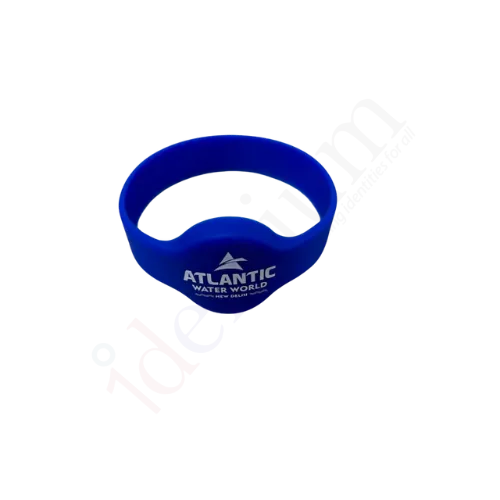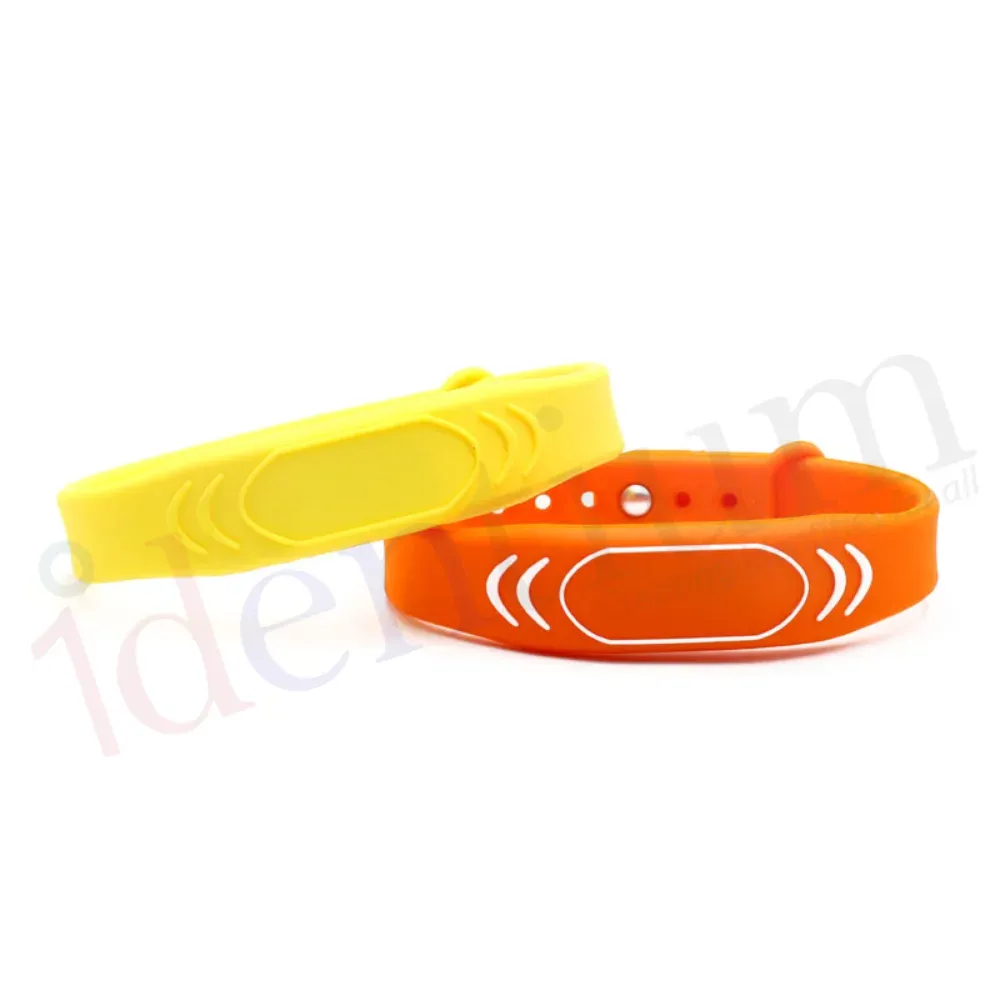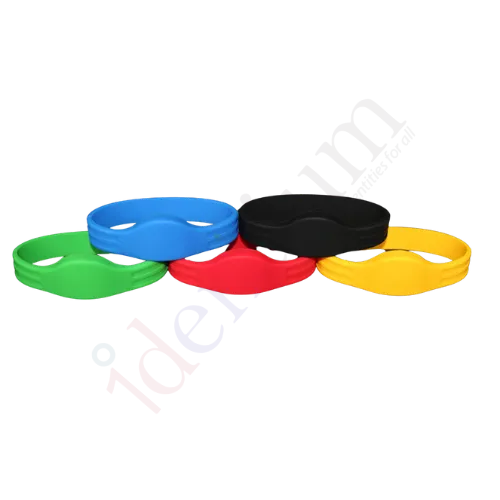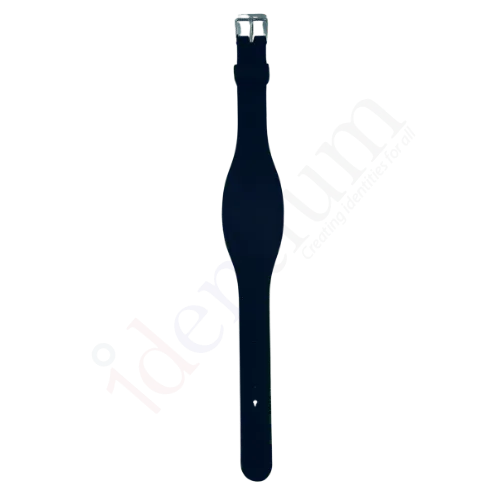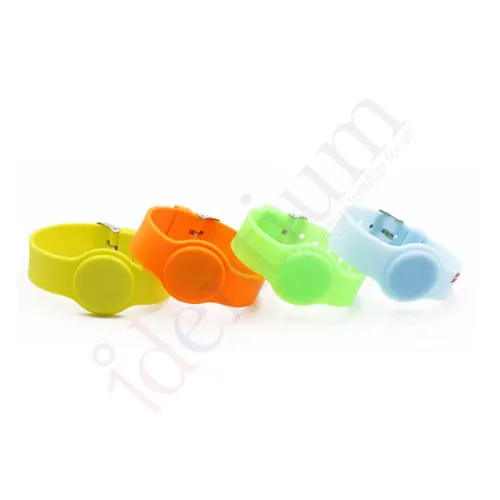
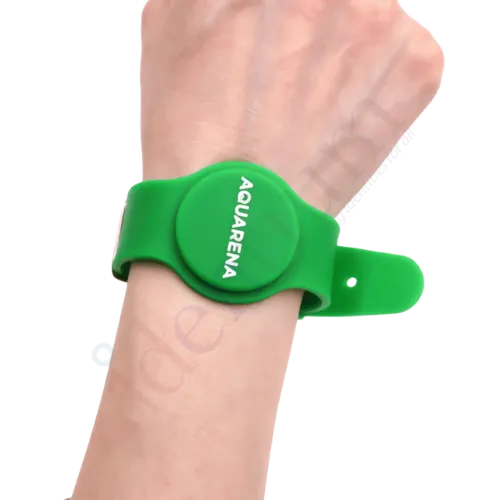
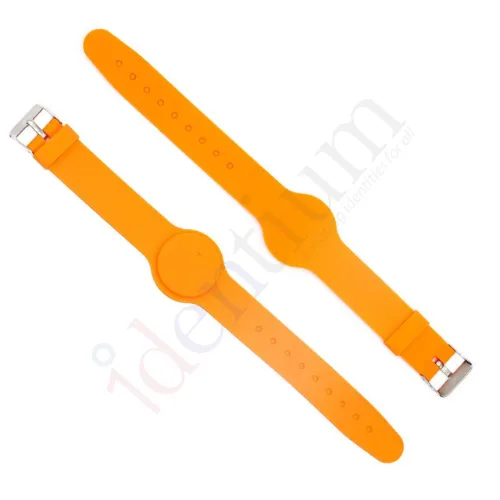
Watch-Type RFID Silicone Wristband C01
A watch-style silicone RFID wristband for member access at gyms, spas, pools and clubs. Order it with an LF, HF or UHF chip to match the door, locker or gate readers you already use.
₹60
per piece + 18% GST
Minimum order: 500 pieces · the final price for your quantity is confirmed in the quote
View datasheet PDF · 165 KB- 7-day replacement · 1-year warranty against manufacturing defects
- Blue Dart next-day delivery
- Samples ₹250 (1–2 pcs, incl. shipping) · request
Key features
- Watch-style silicone band, worn like a wristwatch
- Chip options: LF, HF (13.56 MHz) or UHF
- Read range: LF and HF 0–5 cm, UHF 0–7 m
- Used for access control, lockers and payment management
- Colour, logo, text, QR code, barcode or serial number printing
- Embossed, debossed or laser-numbered finishes
- Frequency
- LF, HF (13.56 MHz) or UHF (choose at order)
- Read range
- LF 0–5 cm, HF 0–5 cm, UHF 0–7 m
Overview
C01 watch-type RFID wristband for member access
The C01 is styled like a wristwatch, so members wear it the way they would wear a watch. Gyms, spas, swimming pools and clubs issue it in place of a membership card that gets left in a bag or dropped at the poolside.
Choose the chip your readers use
The same band is offered with three chip types. Pick the one your existing system already reads:
- LF: a 0–5 cm tap, for 125 kHz proximity door and locker readers.
- HF 13.56 MHz: a 0–5 cm tap, for HF access controllers, locker locks and payment readers.
- UHF: reads up to 7 m, for hands-free entry at turnstiles and gates.
Not sure which one you have? Our UHF vs HF vs LF guide explains the difference.
Where the C01 is used
Typical uses are member entry and locker access at gyms and spas, wet areas such as swimming pools and saunas, payment management inside clubs and resorts, patient identification in hospitals and access to cold storage units.
Branding and numbering
Order the band in your colour with a logo, text, QR code, barcode or running serial number, applied by printing, embossing, debossing or laser numbering. A visible serial number lets front-desk staff match a found band to a member record without a reader. Compare the other silicone RFID wristbands if you need a dual-frequency band or a different strap style.
Typical applications
- Gym membership access
- Spa and sauna lockers
- Swimming pool entry
- Club cashless payment
- Hospital identification
- Cold storage access
Specifications
Datasheet (PDF)| Type | Watch-style wristband |
|---|---|
| Material | Silicone |
| Frequency | LF, HF (13.56 MHz) or UHF (choose at order) |
| Read range | LF 0–5 cm, HF 0–5 cm, UHF 0–7 m |
| Customisation | Colour, logo, text, QR code, barcode, serial number |
| Finishes | Printing, embossing, debossing, laser numbering |